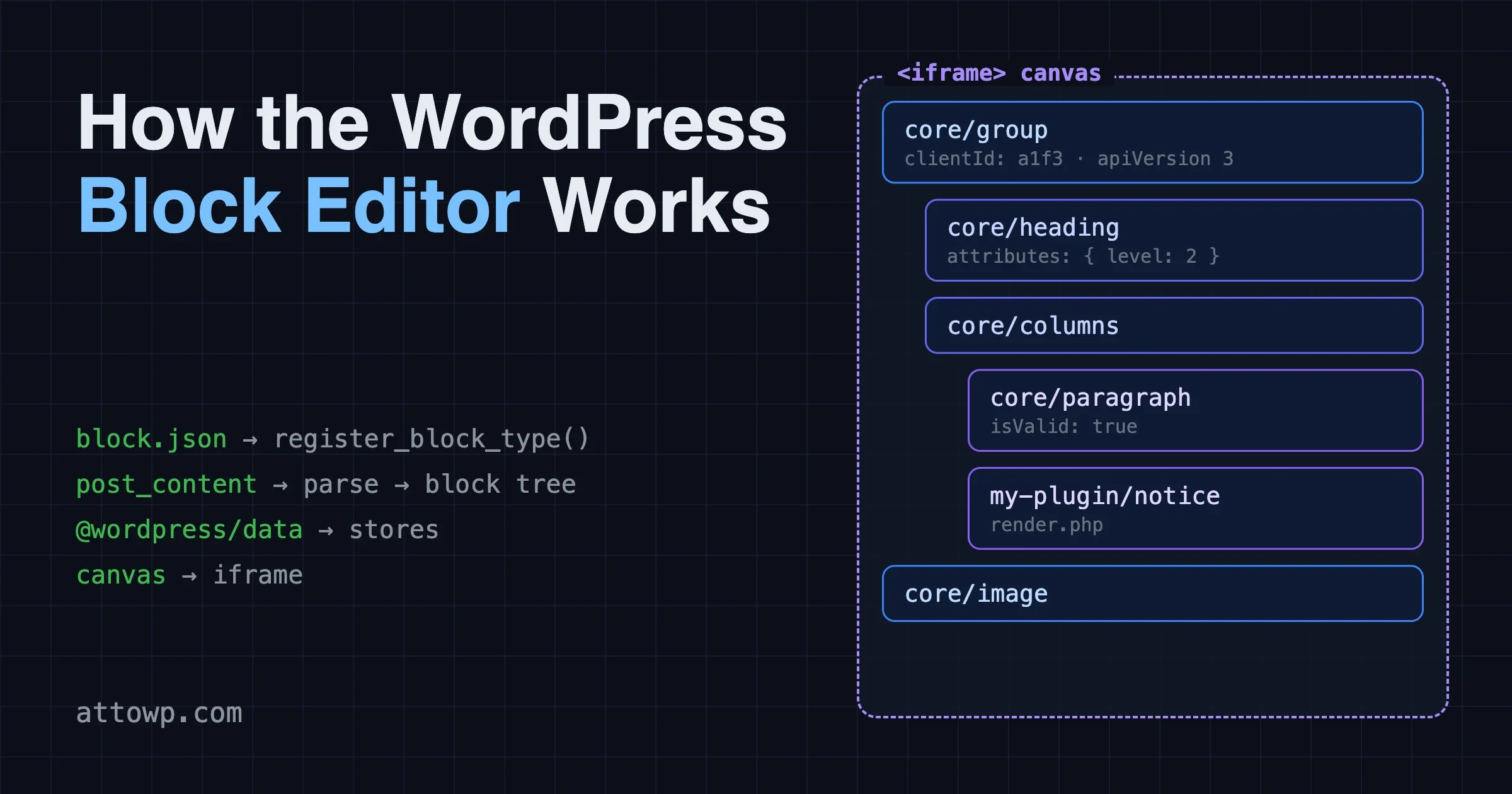
How the WordPress Block Editor Works: block.json, Data Stores and the Iframed Editor
How the WordPress block editor works: block.json, the parser, data stores and core data, and why the canvas now always runs in an iframe from WordPress 7.1.
How the WordPress block editor works: block.json, the parser, data stores and core data, and why the canvas now always runs in an iframe from WordPress 7.1.
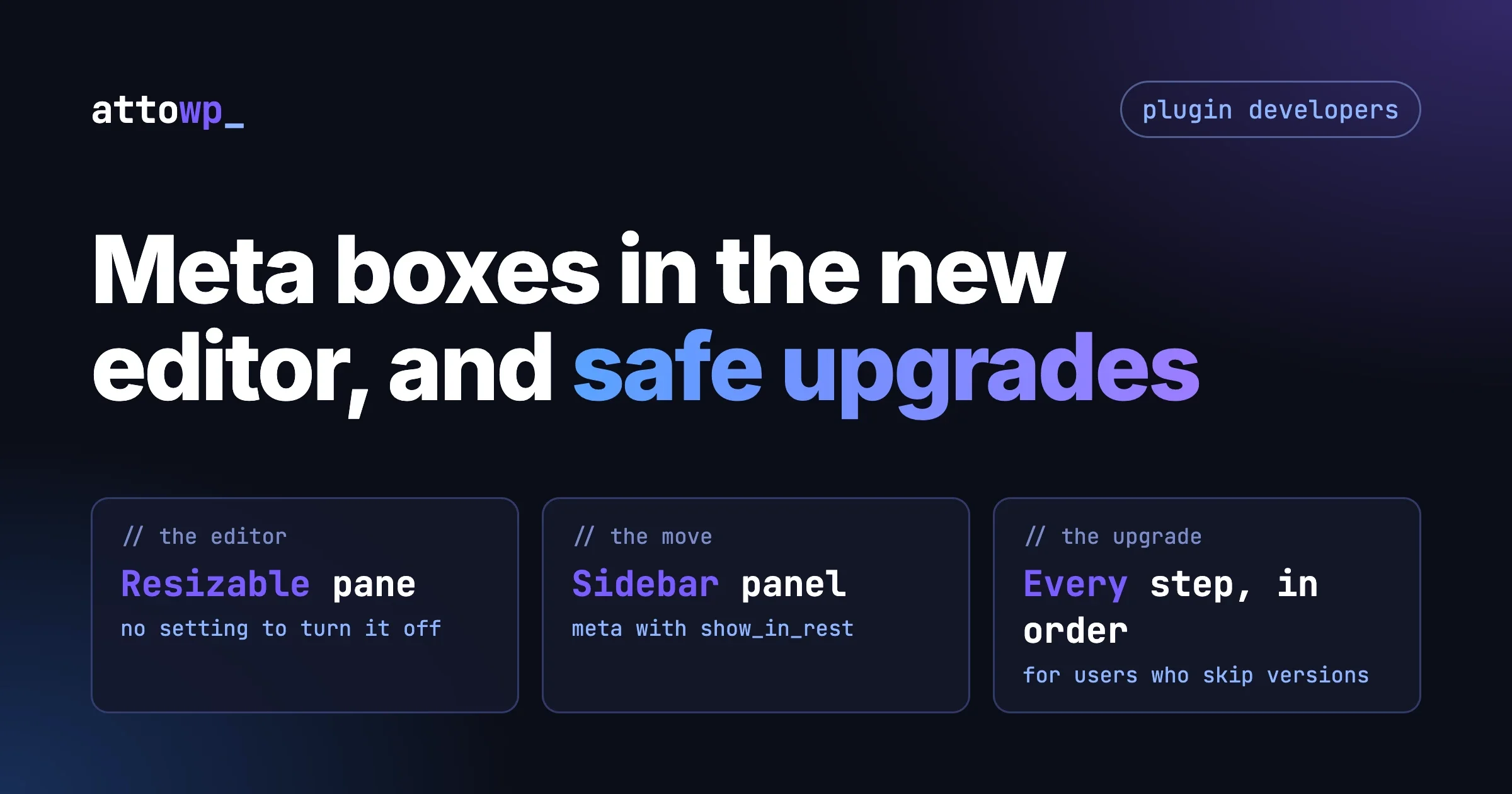
Classic meta boxes now sit in a resizable pane in the always-iframed editor. How to test them, move key fields to a sidebar panel, and migrate safely.
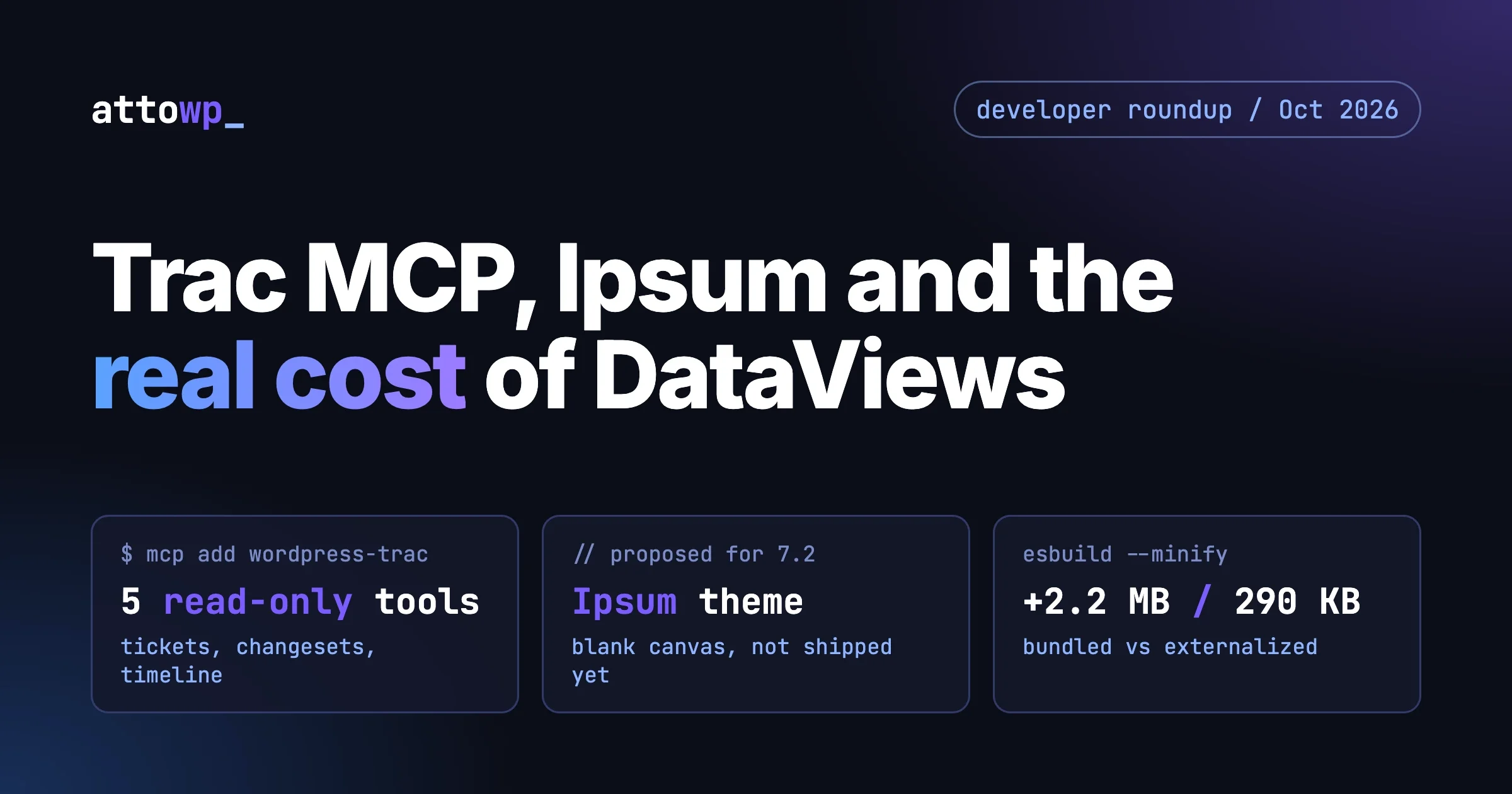
WordPress core Trac now has an MCP server, Ipsum is the proposed 7.2 default theme, and @wordpress/dataviews adds about 2.2 MB when fully bundled. What each means for developers, with the build measured.
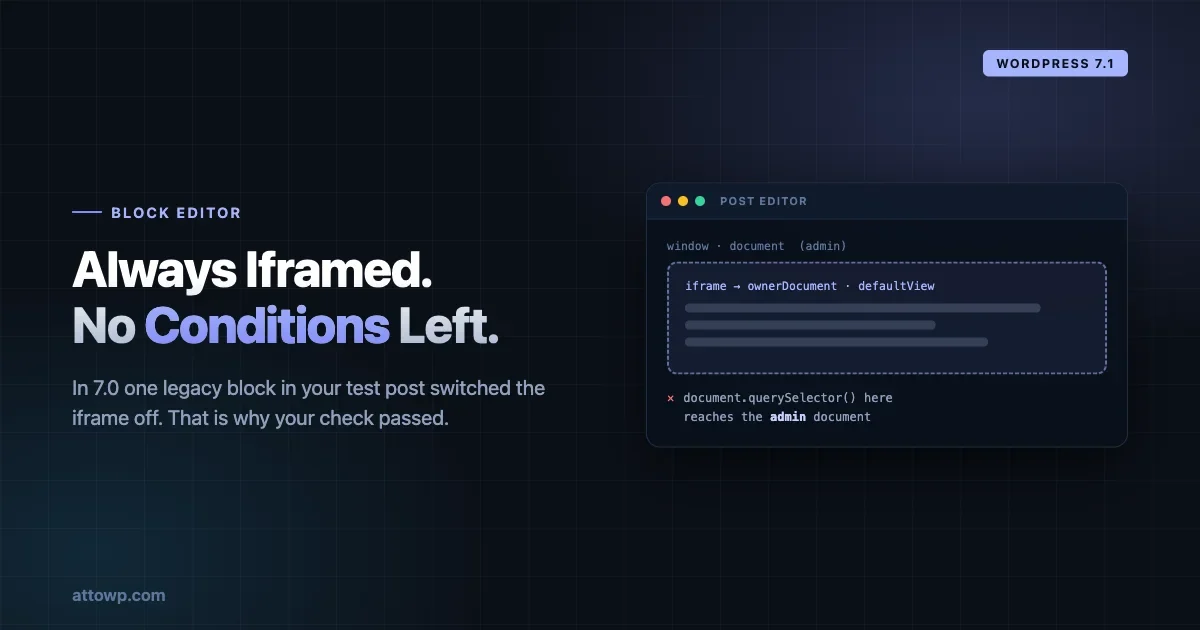
The iframed post editor becomes unconditional in WordPress 7.1. In 7.0 a single legacy block in your test post switched the iframe off, which means many blocks were never actually tested in it.
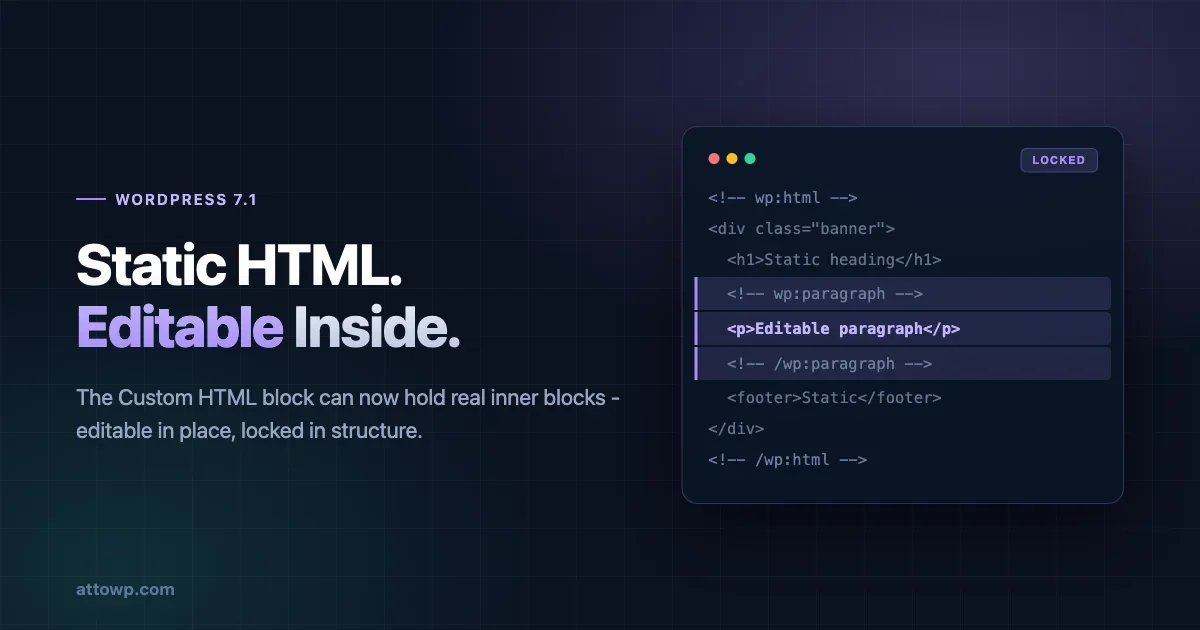
The Custom HTML block can now interleave static markup with real, editable inner blocks that are locked in place. The markup pattern, the innerContent variation field, a legacy conversion walkthrough, and where this beats a pattern or a custom block.
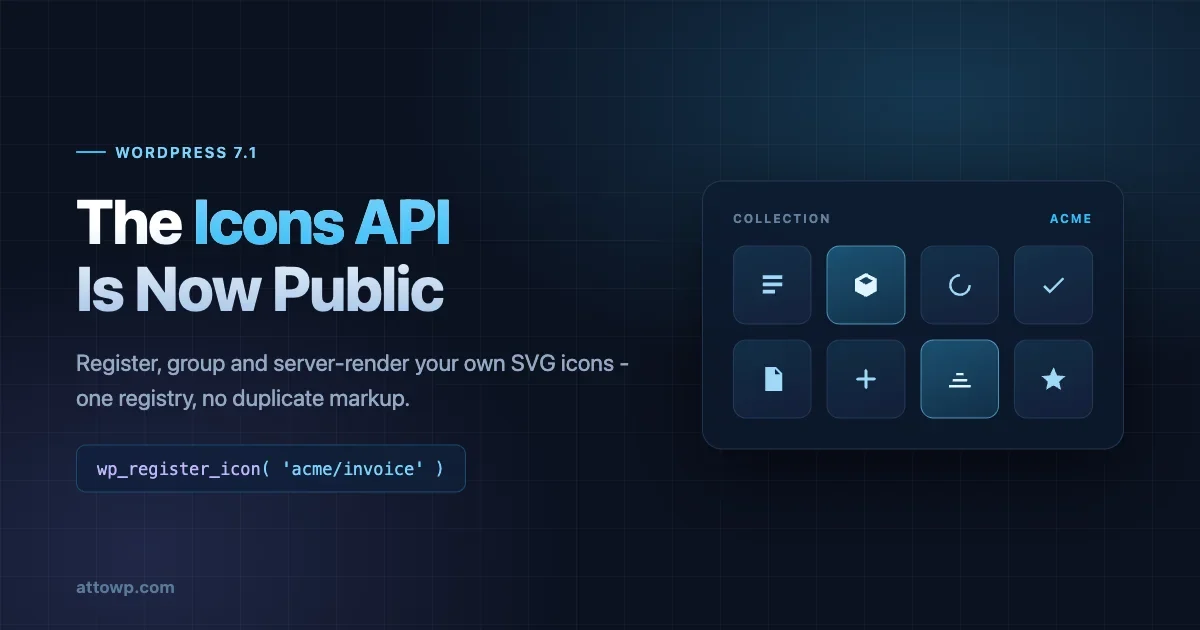
The WordPress Icons API in 7.1 turns the built-in icon set into a public registry. The registration functions, wp_get_icon(), REST routes, what the SVG sanitizer strips, and a five-stage migration plan.
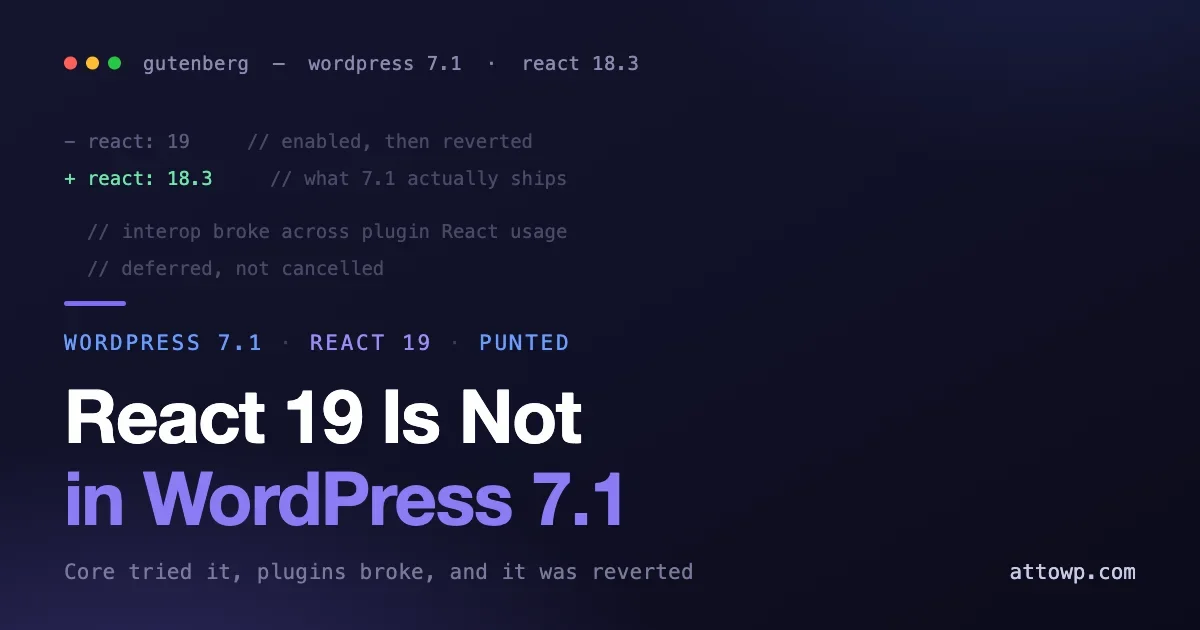
WordPress 7.1 was going to move the block editor to React 19. It is not. Core enabled it in Gutenberg, hit interop problems with plugins and reverted, so 7.1 ships on React 18.3. What happened, what it means if you already migrated, and the change that is now the real compatibility risk.
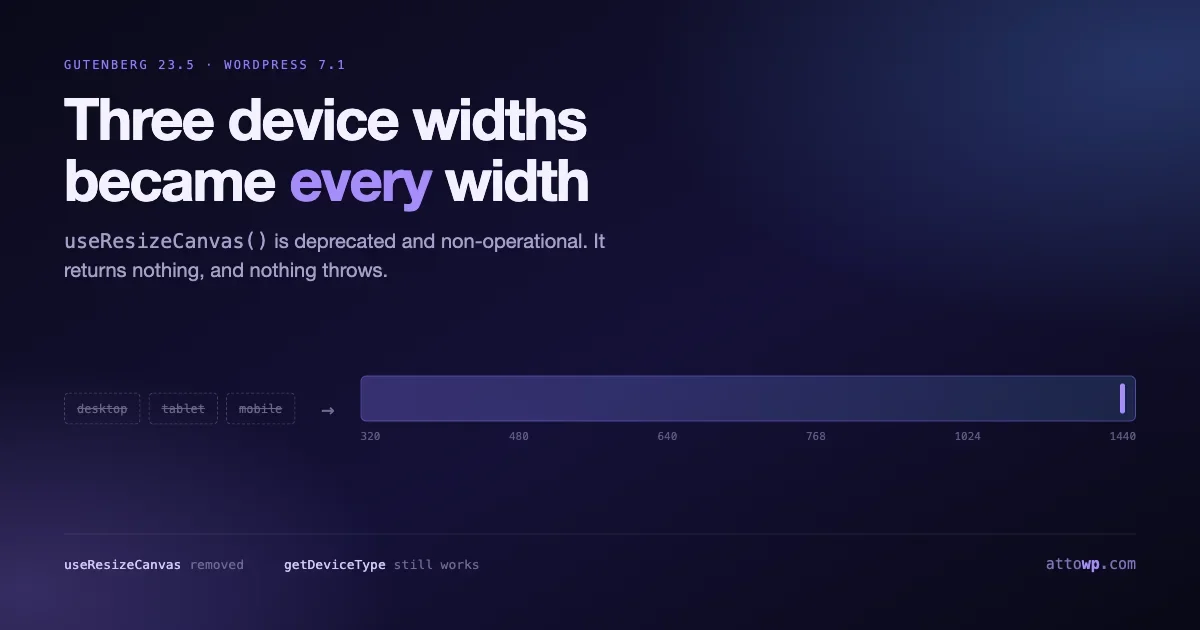
Gutenberg 23.5 replaces the desktop, tablet and mobile toggle with a freely resizable preview, and useResizeCanvas is deprecated and non-operational. What to migrate to, plus the layout changes shipping alongside.
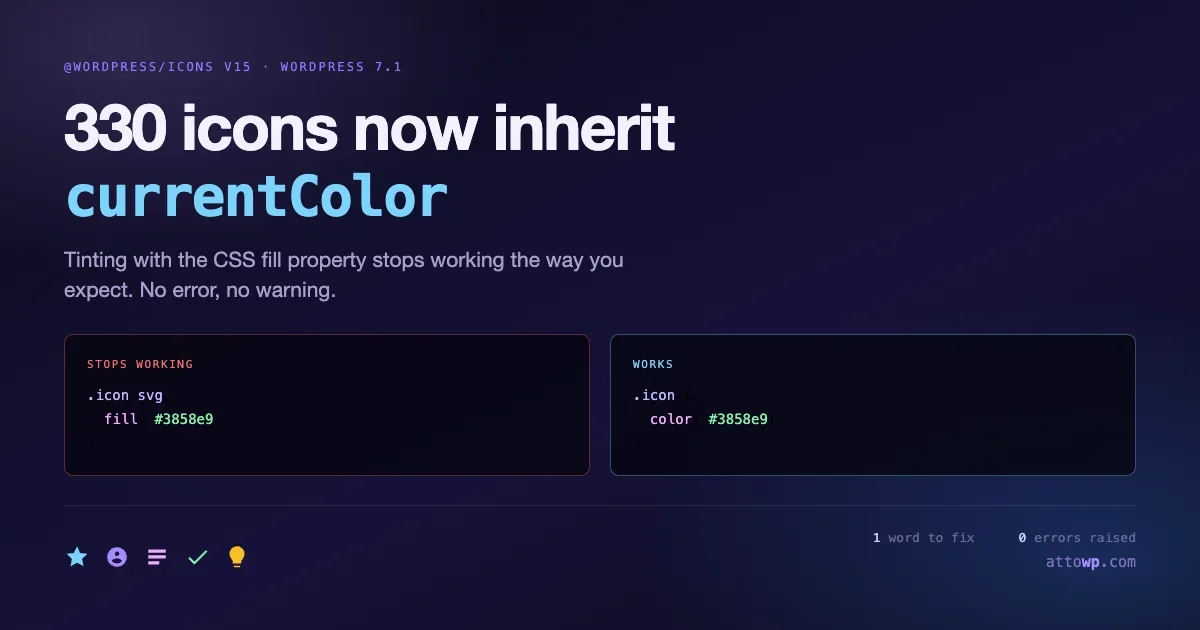
All 330 icons in @wordpress/icons v15 declare fill=currentColor, so tinting with the CSS fill property stops working the way you expect. What breaks, how to find it, and what the new Icons API is building toward.
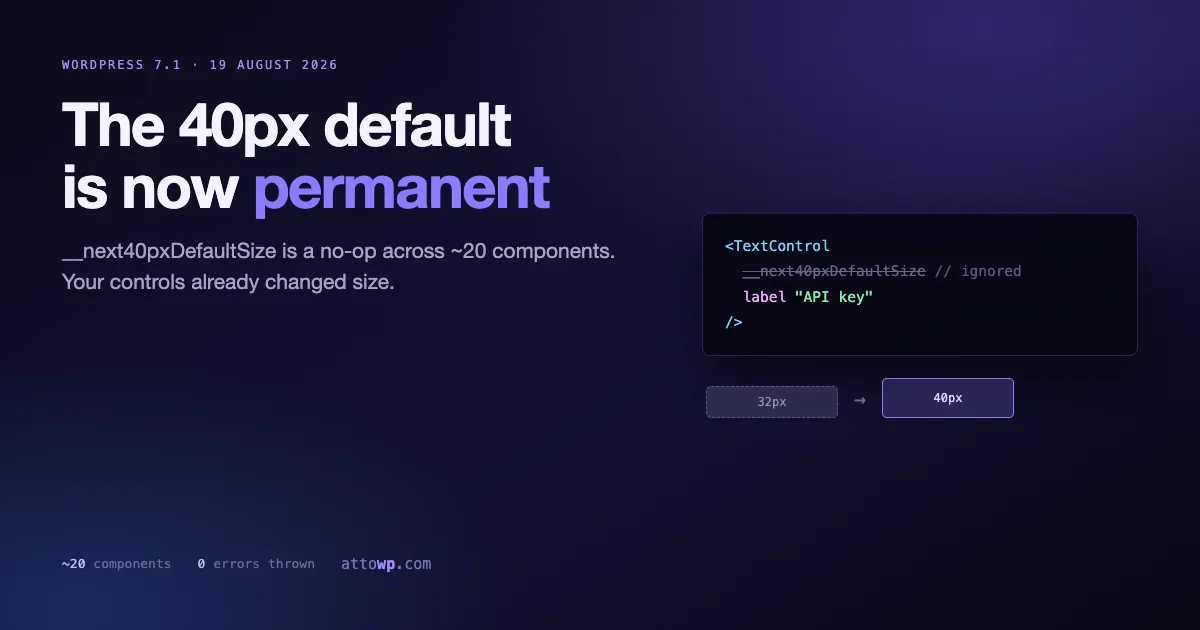
The __next40pxDefaultSize prop is now a no-op across roughly twenty components in @wordpress/components, and 40 pixel controls are permanent in WordPress 7.1. How to find every call site, fix the layouts that assumed the old size, and test before 19 August.
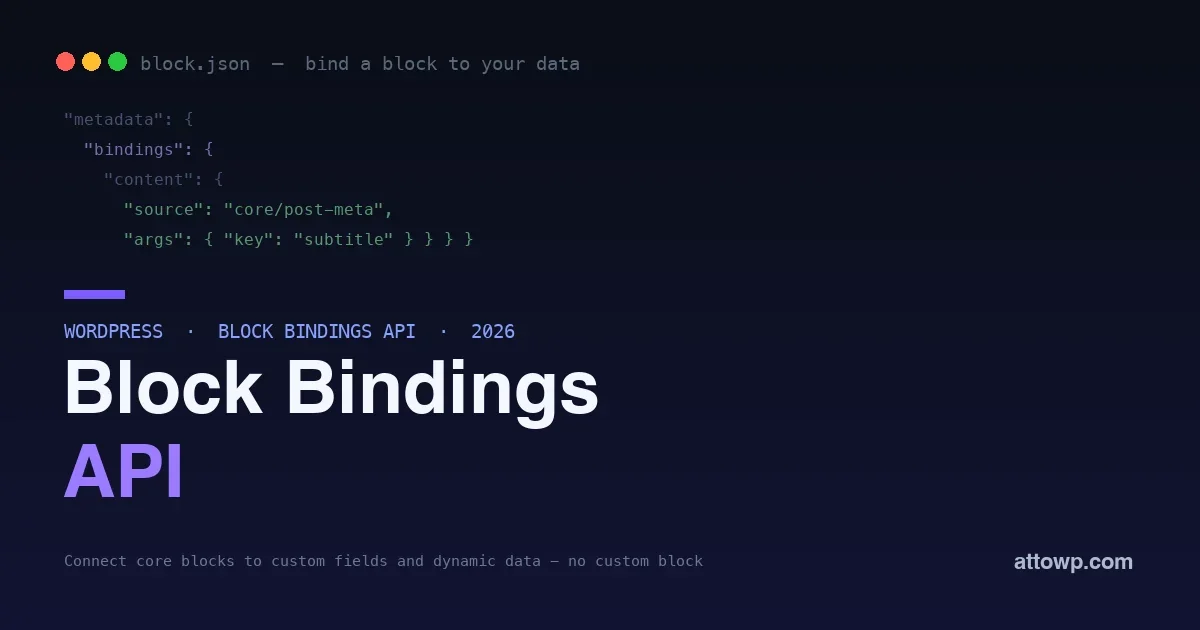
Displaying dynamic data used to mean building a custom block just to output one value. The Block Bindings API connects core blocks to post meta and custom data sources - no custom block, no shortcode. How it works, with real code.
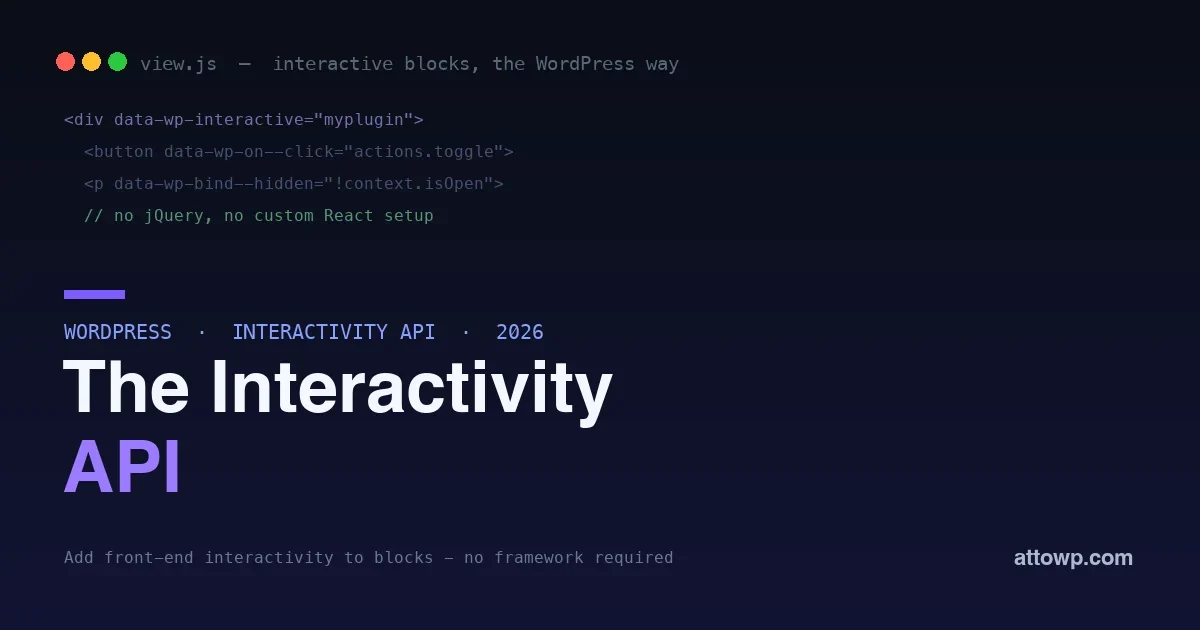
Making a block interactive used to mean jQuery or bundling your own React. The Interactivity API is WordPress's standard, framework-free way to add front-end interactivity to server-rendered blocks - with directives and a store. How it works, with real code.
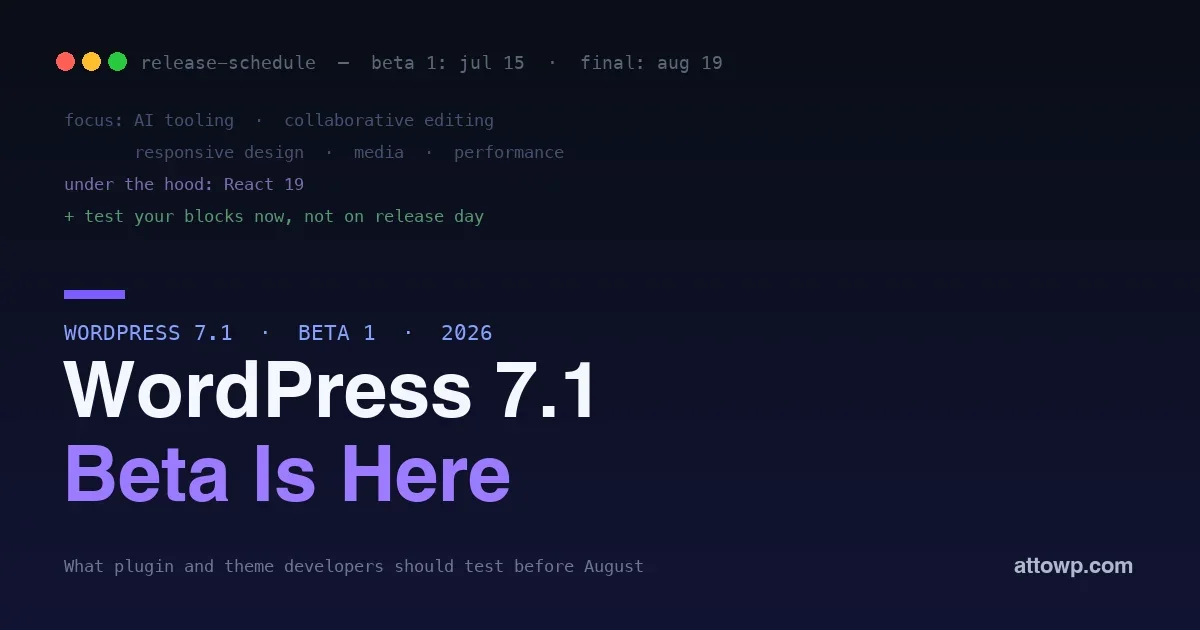
WordPress 7.1 Beta 1 landed July 15, with the final release August 19. What is in it - AI tooling, collaboration, responsive design, media, and an enforced iframed editor - and exactly how to test your plugins and themes before release day.
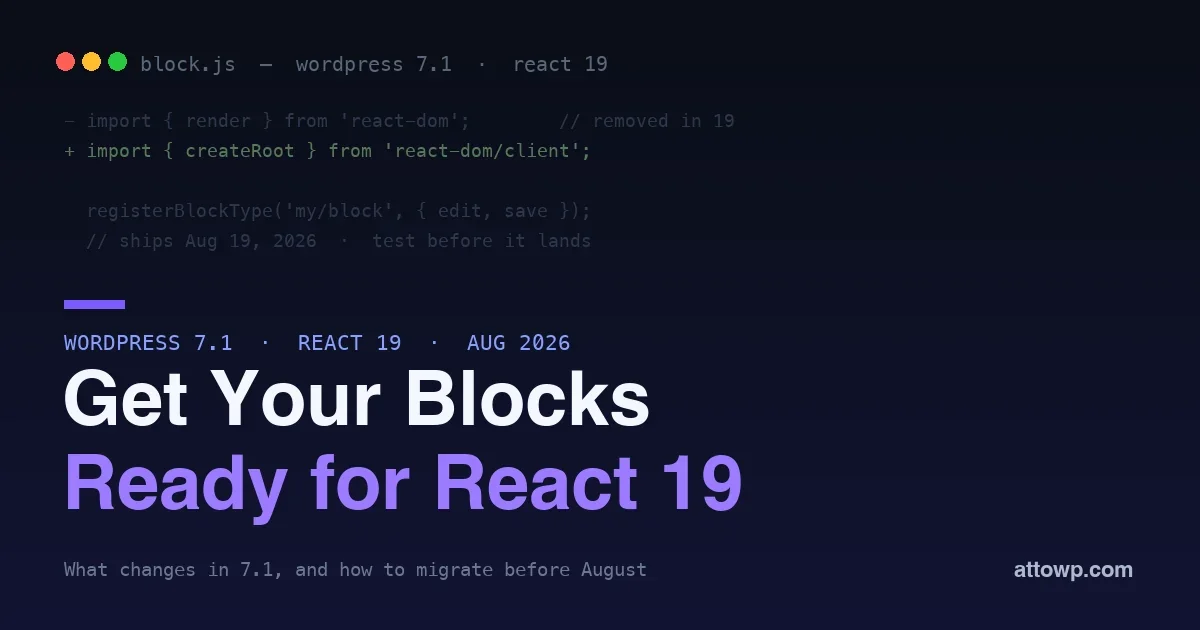
WordPress 7.1 was going to move the block editor from React 18 to React 19. It does not: core hit interop problems and reverted, so 7.1 ships on React 18.3. The migration is deferred, not cancelled, and the work to prepare your blocks is unchanged.