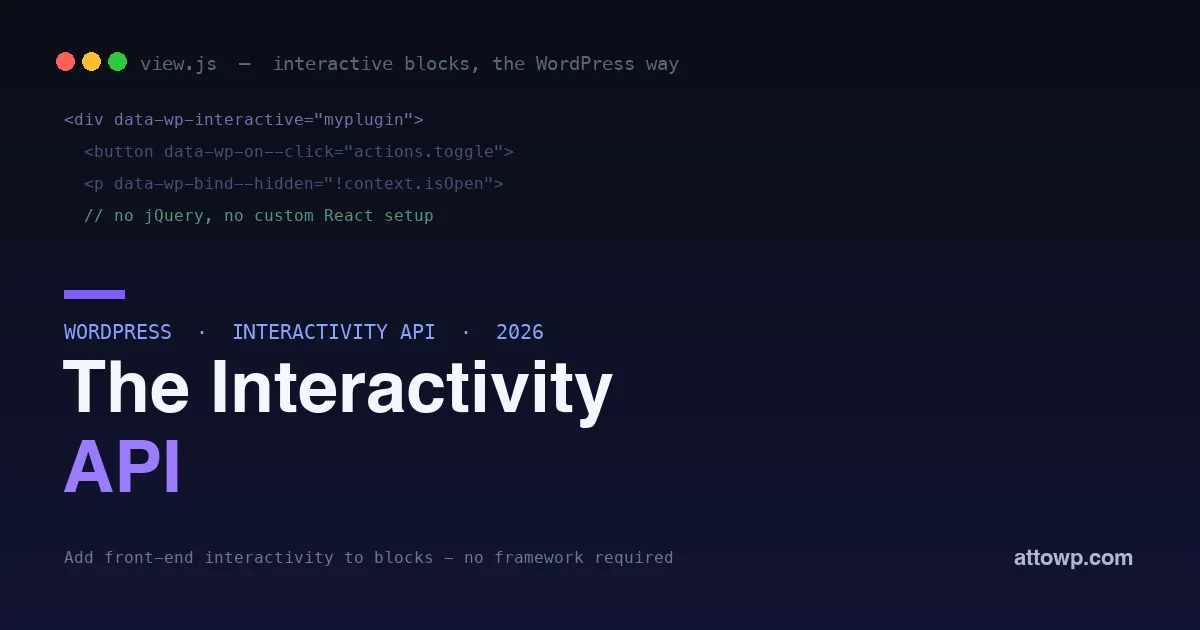
For years, adding interactivity to a WordPress block, a toggle, a filter, a live counter, a lightbox, meant one of two awkward choices. You either reached for jQuery and wrote imperative DOM code that was hard to keep in sync, or you set up your own React or Alpine build inside the block and shipped a framework’s worth of JavaScript for a small piece of behavior. Neither was great, and every plugin did it differently, so a page with five interactive blocks could load three competing approaches. The Interactivity API is WordPress’s answer: a standard, built-in way to make blocks interactive on the front end, declaratively, with no framework to bundle and no per-plugin reinvention. It is how core blocks like the query loop and the lightbox already work, and it is available for your own blocks too.
This post explains what the Interactivity API is, why it exists, and how to use it with real code, from a simple toggle to shared state. If you build blocks and have ever wrestled with making them interactive, this is the modern, WordPress-native way to do it.
Why WordPress needed this
Blocks render on the server as HTML, which is great for performance and SEO, but the moment you want that HTML to do something in the browser, respond to a click, update without a reload, react to another block, you need client-side code, and WordPress historically had no standard for it. The result was fragmentation: every plugin author picked their own tool, so the front end of a WordPress site could end up running jQuery, a slice of React, Alpine, and hand-written vanilla JavaScript all at once, each bundled separately, none aware of the others. That is heavy, inconsistent, and hard to maintain. The Interactivity API fixes the root problem by giving WordPress one shared, official way to add front-end interactivity to blocks, so interactive blocks, whether from core, your plugin, or someone else’s, speak the same language and share the same lightweight runtime instead of each shipping their own.
What the Interactivity API actually is
The Interactivity API is a standard for making blocks interactive using directives, special HTML attributes that describe behavior declaratively, backed by a small shared runtime and a store for state. Instead of writing imperative code that finds elements and manipulates them, you annotate your block’s HTML with directives that say what should happen, and the runtime keeps the DOM in sync with your state automatically. It is declarative, like modern JavaScript frameworks, but it is built into WordPress, so you do not bundle a framework, and it is designed for the server-rendered, block-based way WordPress works. The two ideas to hold are directives, the HTML attributes that wire up behavior, and the store, where your state and logic live.
Directives: behavior in your markup
Directives are HTML attributes prefixed with data-wp- that connect your markup to interactivity. You mark a region as interactive, then use directives to bind attributes, handle events, and show or hide things based on state. Here is a simple collapsible section:
<div
  data-wp-interactive="myplugin"
  data-wp-context='{ "isOpen": false }'
>
  <button data-wp-on--click="actions.toggle">Toggle</button>
  <p data-wp-bind--hidden="!context.isOpen">
    Now you see me.
  </p>
</div>
Read it top to bottom: data-wp-interactive marks this region as belonging to your interactive namespace, data-wp-context sets up local state for it, data-wp-on--click runs an action when the button is clicked, and data-wp-bind--hidden shows or hides the paragraph based on that state. The behavior lives in the markup, declaratively, and the runtime handles keeping the paragraph’s visibility in sync with isOpen as it changes. There is no querying the DOM and no manual show/hide code.
The directives you will use most
A handful of directives cover the majority of real interactivity. Here are the ones worth knowing by name.
| Directive | What it does |
|---|---|
data-wp-interactive |
Marks a region as interactive, in a namespace |
data-wp-context |
Sets local, per-instance state |
data-wp-on--[event] |
Runs an action on an event, like click or input |
data-wp-bind--[attr] |
Binds an HTML attribute to state (hidden, class, etc.) |
data-wp-text |
Sets an element’s text from state |
data-wp-class--[name] |
Toggles a class based on state |
data-wp-each |
Renders a list from an array in state |
You will build most interactive blocks from these few. The pattern is always the same: a directive in the markup declares a relationship to state, and the runtime keeps it true. Learn these seven and you can build toggles, filters, tabs, live text, dynamic classes, and lists, which covers the vast majority of front-end block interactivity.
The store: state and logic
The directives reference actions and state that live in a store, which you define in JavaScript. The store holds your state, the actions that change it, and any derived values. For the toggle above, the store is tiny:
import { store, getContext } from '@wordpress/interactivity';

store( 'myplugin', {
  actions: {
    toggle() {
      const context = getContext();
      context.isOpen = ! context.isOpen;
    },
  },
} );
The toggle action reads the local context and flips isOpen, and because the paragraph’s visibility is bound to that value with a directive, it updates automatically, no DOM manipulation, no event listener wiring, no keeping a class in sync. You describe the state change; the runtime reflects it. This split, declarative directives in the HTML, state and logic in the store, is the whole model, and once it clicks it makes interactive blocks dramatically simpler to build and reason about.
A slightly richer example: a live filter
To see the model beyond a toggle, consider a block that filters a list as you type. The markup binds an input to state and uses a derived value to decide what shows:
<div data-wp-interactive="myplugin" data-wp-context='{ "query": "" }'>
  <input data-wp-on--input="actions.setQuery" placeholder="Filter..." />
  <ul>
    <li data-wp-bind--hidden="!state.matches">Result A</li>
  </ul>
</div>
store( 'myplugin', {
state: {
get matches() {
const { query } = getContext();
return this.label.toLowerCase().includes( query.toLowerCase() );
},
},
actions: {
setQuery( event ) {
getContext().query = event.target.value;
},
},
} );The input updates the query in context, a derived state value computes whether each item matches, and the directive hides non-matching items automatically as you type. You never touch the DOM, and the list stays in sync with the input by declaration, which is the whole point: the tedious, bug-prone part, keeping the display matched to the state, is handled for you.
Local context versus global state
A key strength is how the Interactivity API handles state at two levels. Local context, set with data-wp-context, belongs to one instance of a block, so if the same collapsible block appears five times on a page, each has its own isOpen and they open independently, exactly what you want. Global state in the store is shared across everything in a namespace, which is how separate blocks can coordinate, a filter block updating a results block, a cart count reacting to an add-to-cart button elsewhere on the page. This distinction, per-instance context for a block’s own behavior and shared state for cross-block coordination, is what lets the API handle both a simple isolated widget and a page where blocks talk to each other, without you writing the plumbing to keep instances separate or connect distant blocks.
Why declarative beats the old way
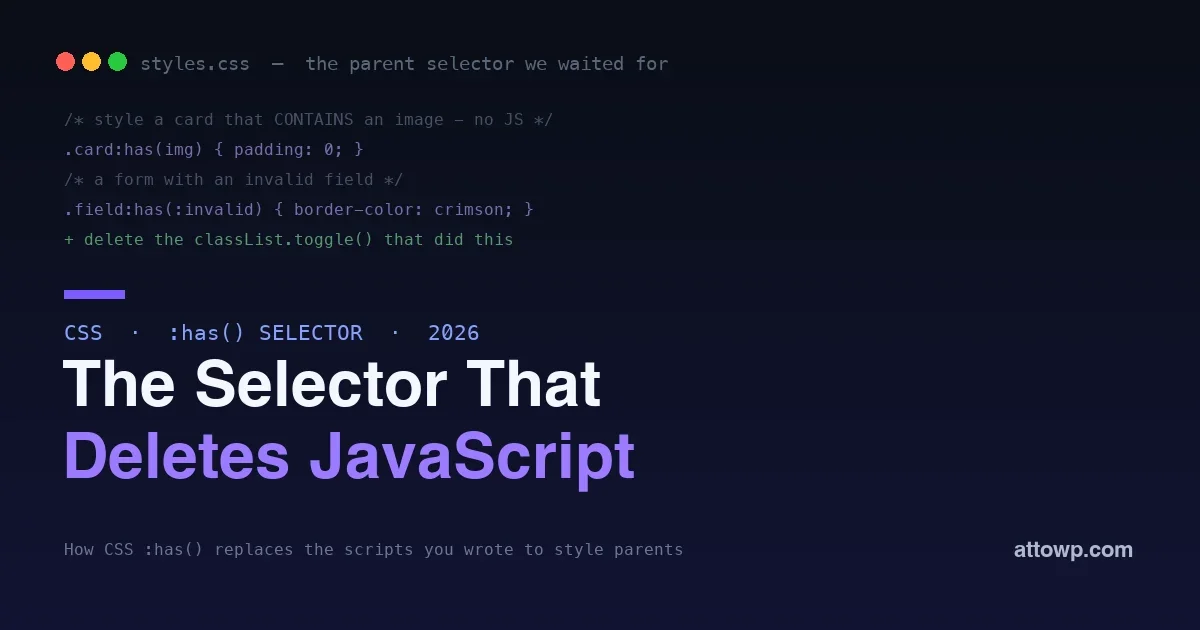
The advantage over jQuery-style code is the same advantage modern frameworks brought to app development, applied to WordPress blocks. In the imperative approach, you write code that finds an element, reads state from the DOM or a variable, and manually updates the DOM to match, and you have to remember to do that everywhere the state changes, which is where bugs live: the DOM and your state drift out of sync. With the Interactivity API you declare the relationship once, this element is hidden when isOpen is false, and the runtime guarantees it stays true as state changes. You stop writing the synchronization code that used to be the buggy part, because the framework does it. Combined with server rendering, you get blocks that are fast and SEO-friendly by default and become interactive without shipping a heavy client framework, which is the balance WordPress has been working toward. It is the same shift toward declarative, less-code interfaces we see across the platform, like using the :has() selector to replace class-toggling scripts in CSS.
Migrating from jQuery, in practice
If you maintain blocks built the old way, moving to the Interactivity API is usually a simplification rather than a rewrite. The mental shift is from writing code that reacts to events by manipulating the DOM to declaring relationships between state and markup. In practice, you identify the piece of state your interaction is really about, the open/closed of a panel, the current filter, the active tab, put it in context or the store, replace your event handlers with actions that just change that state, and replace your DOM-manipulation lines with directives that bind to it. The code that shrinks the most is the synchronization: all the lines that manually showed, hid, added classes, or updated text disappear, because directives do that now. Do it one interaction at a time, and each conversion removes a chunk of imperative code and a class of drift-out-of-sync bugs. The result is smaller, and because interactive blocks now share the platform’s runtime instead of each bundling jQuery, the page gets lighter too.
When to use it, and when not to
The Interactivity API is the right tool when you are adding interactivity to a block that renders on the server, which is most WordPress interactivity: toggles, filters, tabs, live-updating counts, lightboxes, anything where server-rendered HTML needs to come alive in the browser. It is designed for exactly that and integrates cleanly with how blocks work. It is not meant to replace a full single-page-application framework for building a complex, client-heavy app that happens to live in WordPress; if you are building something that is essentially a React application, use React. And for the block editor itself, the admin-side building experience, you still use the standard block editor React APIs, since the Interactivity API is about the front end your visitors see. Match it to its purpose, front-end interactivity for server-rendered blocks, and it is the cleanest option available; stretch it to be an app framework and you are using the wrong tool.
Where do I put the store code, and how is it loaded?
The store lives in a JavaScript module associated with your block, typically a view script that WordPress loads on the front end for pages using the block. You register it so it is enqueued only where the block appears, keeping the interactivity code off pages that do not need it. The block’s server-rendered HTML carries the directives, and the runtime connects them to your store when the module loads.
Can I use the Interactivity API with a dynamic (server-rendered) block?
Yes, and that is its ideal fit. Dynamic blocks render their HTML in PHP on the server, and you add data-wp- directives to that output to make it interactive on the front end. Because the API is built for the server-rendered model, dynamic blocks and the Interactivity API pair naturally: PHP produces the markup with directives, and the client runtime brings it to life.
Getting started
Trying the Interactivity API does not require a big setup. The quickest path is to scaffold an interactive block with the standard WordPress tooling, which sets up the block with a view script wired for interactivity so the moving parts are already connected, then experiment from there. From a working starting point, add a directive to a piece of markup, add the matching action or state to the store, and watch it work, which is the fastest way to build intuition for the directive-and-store model. Because core blocks like the query loop and the lightbox use the same API, their source is a useful reference for real-world patterns beyond a toggle. Start with one small interaction, a collapsible, a filter, get it working end to end, and the rest of the API becomes a matter of learning a few more directives. The official developer documentation covers the full directive set and store options when you are ready to go deeper, but you can build genuinely useful interactive blocks with just the handful of directives above.
Frequently asked questions
Do I need to know React to use the Interactivity API?
No, and that is part of the appeal. You write directives in your block’s HTML and a small store in JavaScript, without setting up or shipping React yourself. The API is declarative in a React-like spirit, so the mental model transfers, but you do not import React, configure a build for it, or bundle it. That is a big part of why it is lighter than rolling your own framework inside a block.
How is this different from just using Alpine.js or jQuery?
The difference is that it is built into WordPress and designed for blocks, so you do not bundle a third-party library, and interactive blocks across the ecosystem share one runtime instead of each shipping their own. jQuery is imperative and easy to let drift out of sync; Alpine is declarative but a separate dependency. The Interactivity API gives you the declarative model natively, integrated with server rendering and the block system, which the external options cannot match.
Does the Interactivity API hurt performance?
It is designed to help, not hurt. Its runtime is small and shared, so a page with several interactive blocks loads one lightweight runtime rather than multiple competing frameworks, and blocks still render on the server for a fast initial load and good SEO, becoming interactive on top. Compared to the old reality of a page bundling jQuery plus a slice of React plus Alpine, a single shared runtime is a performance win.
Can I use it for a block that coordinates with another block?
Yes, that is exactly what global store state is for. Local context keeps each block instance independent, while shared state in the store lets separate blocks react to each other, a filter updating results, a counter reflecting an action elsewhere. You define the shared state and actions in the store, and any block in that namespace can read and update it, which is how cross-block interactivity works without custom event plumbing.
Is the Interactivity API stable and ready for production?
Yes. It is the official approach that core itself uses for interactive front-end features like the query loop’s no-reload pagination and the image lightbox, so it is proven at core scale and available for your own blocks. Building on it aligns your plugin with the platform’s direction, which means better long-term support than a custom framework setup, and it keeps you ready as WordPress continues to evolve, as with the ongoing move to React 19 under the editor.
Is the Interactivity API only for the front end, not the editor?
Correct. It powers interactivity on the front end that your visitors see, while the block editor experience, how the block behaves and is configured while editing, still uses the standard block editor React APIs. Keep the two separate in your mind: editor behavior is built with the editor’s tools, and front-end interactivity for visitors is where the Interactivity API applies. Most blocks use the editor APIs to build the admin side and the Interactivity API to make the rendered output interactive.
The bottom line
The Interactivity API is WordPress’s standard, framework-free way to make server-rendered blocks interactive on the front end, and it replaces the old mess of every plugin bundling its own jQuery, React, or Alpine. You annotate your block’s HTML with data-wp- directives to describe behavior declaratively, keep state and logic in a small store, and let the runtime keep the DOM in sync, with local context for per-instance behavior and global state for blocks that coordinate. Use it for the front-end interactivity that most WordPress sites need, toggles, filters, tabs, live updates, and you get blocks that are fast and SEO-friendly by default and interactive without shipping a heavy framework. It is the same declarative, less-code direction the whole platform is moving in, and for making blocks come alive in the browser, it is now the right tool to reach for.

No comments yet