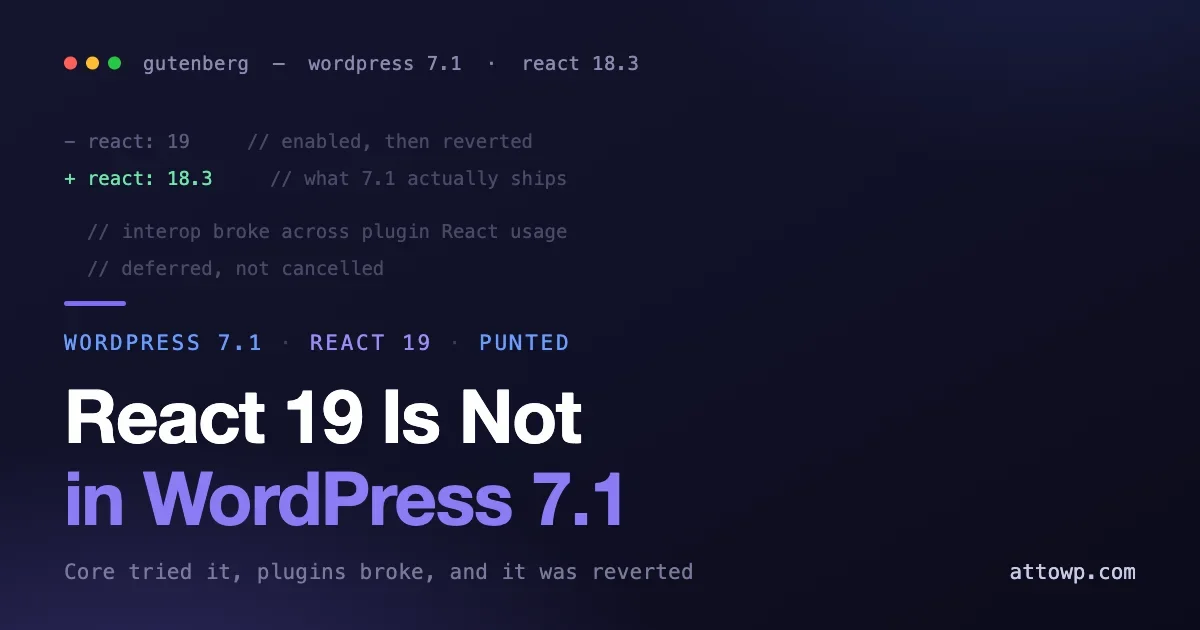
If you spent part of July auditing your blocks for React 19, here is the news: it is not shipping in WordPress 7.1. On 24 July the core team confirmed that the React 19 upgrade has been punted beyond 7.1. The release that lands on 19 August will continue to use React 18.3.
We told you the opposite. In our React 19 migration guide on 1 July and again in our 7.1 beta testing guide on 11 July, we called React 19 the single most important thing to check before August. At the time that was the plan of record. It is not the plan any more, and a correction that only lives in a changed sentence is not much of a correction, so here is the whole story: what happened, whether the work you already did was wasted, and what actually deserves your testing time in the three weeks left before release.
What happened
The upgrade was not abandoned on paper. It was tried, and it broke.
Core enabled React 19 in Gutenberg to see how it behaved against the real ecosystem rather than against a test suite. Two categories of problem surfaced. The first was interoperability between the old and new versions of React interacting with each other. The second, and the more instructive one, was the variety of ways plugins actually consume React in practice. Between them, the incompatibilities were serious enough that the change was reverted rather than shipped and patched.
That second category is the part worth sitting with. WordPress does not control how thousands of plugins reach for React. Some stay inside @wordpress/element exactly as documented. Some import React directly. Some bundle their own copy. Some were written against patterns that were normal five years ago and have not been touched since. A React major version bump is not really a React upgrade in that environment; it is a compatibility event across every plugin that has ever rendered a component, and the only honest way to find out what breaks is to turn it on and look. Core turned it on, looked, and decided the ecosystem was not ready.
Deferred is not cancelled. React 19 is still where WordPress is going, and the work continues as an experiment in Gutenberg rather than as a release blocker for 7.1. What you have lost is a deadline, not a direction.
The four ways plugins consume React, and which ones survive an upgrade
If you want to understand why an ecosystem-wide React bump is so hard, it helps to look at the ways a plugin can end up with React in it. There are roughly four, and they carry very different risk.
- Through
@wordpress/element. The documented path. Your code imports from the WordPress abstraction, WordPress decides which React sits behind it, and a version bump is mostly transparent. This is the pattern that upgrades cleanly, and it is the reason the abstraction exists at all. - Direct React imports, externalised at build time. Importing
reactdirectly while your build maps it to the copy WordPress already loaded. This usually survives, because you are still using one shared React, but you have opted out of the abstraction and inherited responsibility for API changes. - Direct React imports, bundled. Your build ships its own copy of React inside your plugin. Now two Reacts run on the same page. Hooks break in ways that produce errors pointing at core rather than at you, and the failure often appears only when a specific combination of plugins is active.
- Inherited code nobody has opened in years. A block scaffolded against an old
@wordpress/scripts, still working, still shipping, still calling APIs that were fine at the time. This is where the removed APIs live, and it is invisible until something changes underneath it.
Only the first category is genuinely safe by construction. The others range from probably fine to actively fragile, and core cannot audit them from the outside. That is the ecosystem problem in one paragraph, and it is why the honest test was to enable React 19 and watch what happened.
Was the migration work wasted?
No, and this is the useful part. Every specific change the React 19 migration asked for is still correct code today, on React 18.3, and will still be correct whenever the upgrade lands.
Moving off the removed rendering APIs is the clearest example. This was the migration’s headline change:
// The old pattern:
import { render } from '@wordpress/element';
render( <App />, document.getElementById( 'my-widget' ) );

// The pattern to use:
import { createRoot } from '@wordpress/element';
createRoot( document.getElementById( 'my-widget' ) ).render( <App /> );
createRoot is not a React 19 API. It arrived in React 18, it is the supported way to mount a tree on the version WordPress ships right now, and render has been deprecated for long enough that continuing to call it is a liability regardless of what core does next. The same logic applies to the rest of the list:
- Dropping
defaultPropson function components. Default parameter values are clearer, work everywhere, and remove a silent-undefined failure mode. Worth doing on its own merits. - Replacing string refs. They have been discouraged for years and callback or
useRefrefs are simply better code. - Getting off legacy context. The modern context API has been the right answer since React 16.
- Not bundling a second copy of React. This causes hook errors that point nowhere obvious, today, on 18.3. It is a live bug in your plugin, not a future one.
If you did that audit in July, you did not do it early. You did maintenance that was overdue, and you will not have to do it again when the upgrade actually arrives. The only thing that changed is that you are no longer doing it under a release deadline.
So what is the real risk in 7.1?
With React 19 out of the picture, the change most likely to break custom code in 7.1 is the editor’s move to a full iframe.
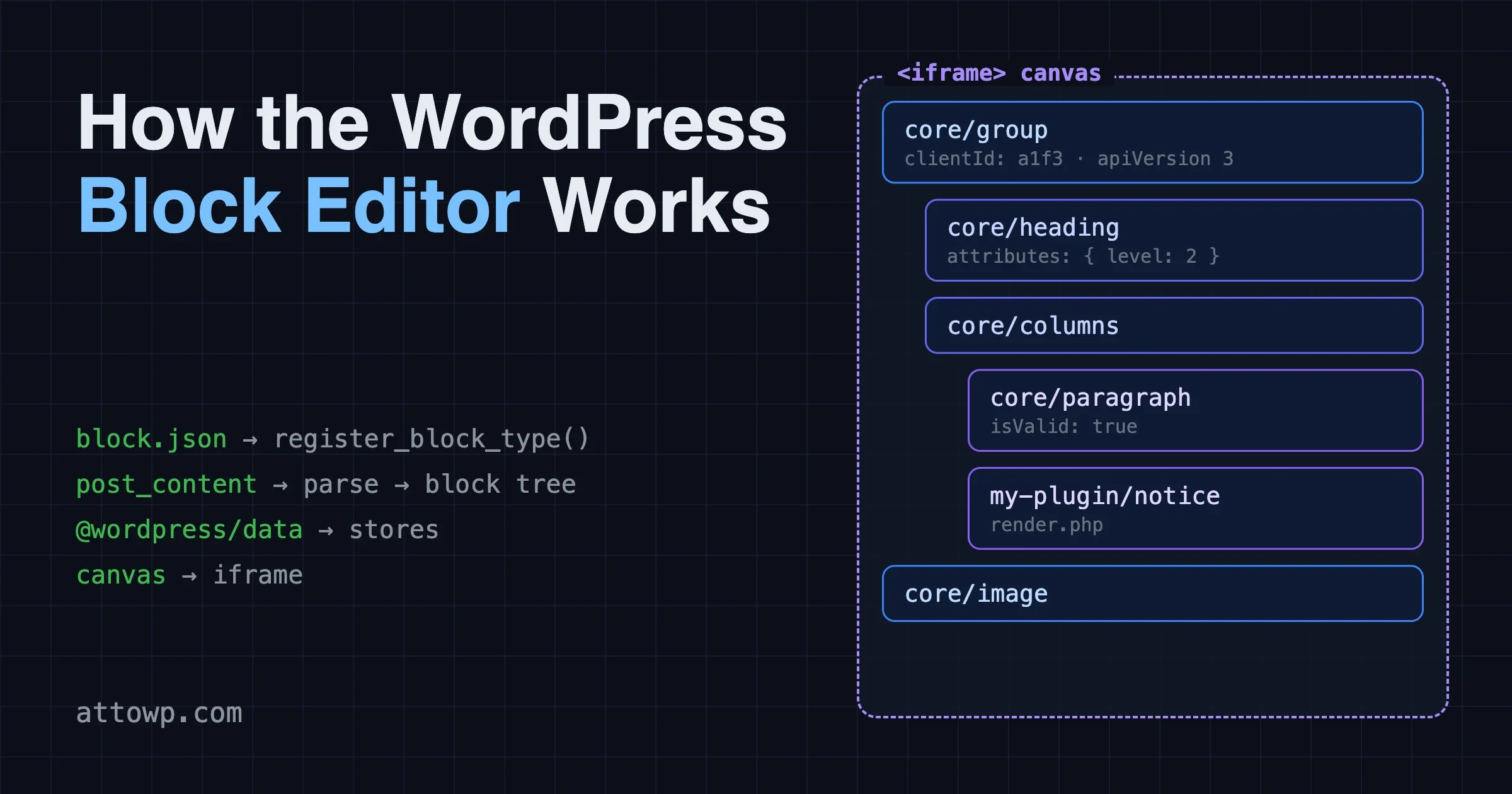
The post editor now always runs inside an iframe, enforced for block themes, which isolates the editing canvas from admin styles. The intent is predictable rendering: what you see in the canvas is what the front end produces, without the admin stylesheet leaking in. The consequence is that the canvas is a separate document, and any code that assumed otherwise stops working.
Three patterns break in practice:
- Editor styles enqueued as admin styles. If your theme or plugin pushes editor CSS through
admin_enqueue_scripts, it lands on the admin document and never reaches inside the iframe. Styles registered throughadd_editor_style()or declared intheme.jsonare injected into the canvas correctly. - Document-scoped JavaScript. Anything calling
document.querySelectorand expecting to find blocks in the canvas is now querying the wrong document. jQuery selectors written against editor markup have the same problem. - Third-party libraries that assume one document. Tooltip, drag, measurement and positioning libraries frequently cache a reference to
windowordocumentat load time. Inside an iframe those references point outside the canvas, and the symptom is usually an element positioned in the wrong place rather than a clean error.
That last failure mode is the reason this deserves your testing time. React 19 breakage announced itself loudly in the console. Iframe breakage tends to be quiet: a tooltip lands 200 pixels off, a style silently does not apply, a click handler never fires. Nothing throws. You have to look.
How to audit for iframe assumptions
This audit is mostly mechanical, which is good news, because it means you can find most of it without loading the beta at all.
Start with a grep across your editor-facing JavaScript. The patterns that matter are global document and window access in code that runs against the canvas:
# Find document and window assumptions in editor scripts
grep -rn "document\.\(querySelector\|getElementById\|getElementsBy\)" src/
grep -rn "jQuery(\|\$(" src/
grep -rn "window\.\(innerWidth\|innerHeight\|scrollY\|getComputedStyle\)" src/
Every hit needs a judgement call rather than a blanket fix. Code that legitimately targets the admin chrome, a sidebar panel, a modal, a toolbar button, is fine, because that really does live in the outer document. Code that targets block markup in the canvas is the problem. The reliable fix is to stop reaching for a global document and take the ownerDocument from a node you were given:
// Assumes one document, breaks inside the iframe:
const el = document.querySelector( '.my-block' );
const width = window.innerWidth;

// Resolve the document from a node in the canvas:
const doc = blockRef.current.ownerDocument;
const view = doc.defaultView;
const el = doc.querySelector( '.my-block' );
const width = view.innerWidth;
Then check how your editor styles are registered. If the enqueue happens on admin_enqueue_scripts, it will not reach the canvas:
# Editor CSS that will not reach inside the iframe
grep -rn "admin_enqueue_scripts" --include="*.php" .

# What you want to see instead
grep -rn "add_editor_style\|enqueue_block_assets" --include="*.php" .
Finally, list your bundled front-end dependencies and look for anything that positions or measures: tooltip libraries, popovers, dropdown positioners, drag-and-drop, chart libraries, anything doing getBoundingClientRect against a cached window. Those are the packages most likely to be quietly wrong, and they are the ones a grep of your own source will not catch because the assumption lives inside the dependency.
What is left after all that is the part you genuinely have to look at, in a browser, with a block theme active on the beta.
What else is actually in 7.1
The release is still substantial, and with the React story removed it is worth restating what is genuinely in it.
Media. Image compression, resizing, format conversion and thumbnail generation move into the browser using WebAssembly, with sizes uploaded individually through a new REST route. This lifts the work off PHP entirely, which means no memory-limit failures on large uploads and no dependency on GD or Imagick being present and correctly configured. It also means anything hooking the server-side upload pipeline needs re-testing, because the pipeline is no longer where it was.
New blocks. Playlist, Tabs and Table of Contents arrive in core, each replacing a category of plugin that most sites currently install.
Icons. The SVG icon set introduced in 7.0 becomes a proper public API. You can register your own icons, group them, render them server-side, and read the registry over REST, which pairs directly with the currentColor change we covered: registered icons inherit color for free.
Styling. Interactive pseudo-state styling comes to the editor and style data. background.gradient composes a gradient with a background image, minWidth joins the dimension supports, and text shadow becomes definable in Global Styles. On the responsive side, the fixed device preview is gone and useResizeCanvas is deprecated.
Editing. The Custom HTML block gains the ability to interleave static markup with editable inner blocks, which are locked in place so the surrounding structure survives.
Components. The 40px control default is permanent and __next40pxDefaultSize is now a no-op.
Two defaults also flip, which is the kind of change that is easy to miss in release notes and obvious in production. Media Library infinite scrolling is now on by default with a per-user opt-out, and speculative loading moves from conservative to moderate when caching is detected. Neither requires action from you, and both change behaviour on sites you maintain.
Your revised testing checklist
Three weeks remain before 19 August. Here is where the time goes now.
Check | What to confirm |
|---|---|
Editor styles | Registered via |
Editor JavaScript | No |
Bundled UI libraries | Tooltips, popovers and drag handles position correctly inside the iframe |
Custom blocks | Render and edit correctly; front end and editor checked separately |
Media features | Uploads and galleries work against browser-side processing and per-size upload |
Large media libraries | Grid view and media modal behave acceptably with infinite scroll on by default |
REST endpoints | Respond correctly; no deprecations in the log |
React hygiene | Still worth completing, but no longer gated on 19 August |
The method has not changed: a staging site, never production, with WP_DEBUG, WP_DEBUG_LOG and SCRIPT_DEBUG enabled, exercising your real features while watching the console and the log. What changed is where you look first.
If you maintain a portfolio of sites
The calculus is different when 7.1 will land across dozens or hundreds of sites in the same August window. The good news is that this reversal genuinely reduces your exposure, because the change that would have touched every custom block on every site is no longer in the release. The iframe change is narrower: it affects sites running block themes with custom editor code, which is a subset you can actually enumerate.
So enumerate it. Inventory which sites run block themes, then which of those carry custom blocks, custom editor styles, or editor-facing JavaScript. That intersection is your real test surface, and on most portfolios it is a small fraction of the whole. Stage the beta against a representative sample rather than everything, and reuse one checklist across sites that share a plugin or a parent theme.
The sites most likely to break are, as always, the neglected ones: a theme built three years ago with editor styles wired through admin_enqueue_scripts because that was the pattern then, still working, nobody watching. Those are worth checking first precisely because nobody has looked at them recently.
A note on how we handle this
We are leaving the two earlier posts up with dated update notes at the top pointing here, rather than quietly editing the React 19 claims out of them. The advice in those posts was accurate when published and the migration guidance in them is still technically correct. Only the timing was wrong. Silently rewriting them would make the record cleaner and less true, and if you read our July coverage and planned around it, you deserve to see exactly what changed rather than find a page that no longer matches your memory of it.
It is also a reasonable reminder about pre-release coverage generally, ours included. Plans of record change during a release cycle, and the closer a change sits to the platform layer, the more likely it is to move. That is an argument for testing against the actual beta rather than against anyone’s summary of it.
Frequently asked questions
Should I revert the React 19 changes I already made?
No. Every one of them is valid on React 18.3 and improves your code today. createRoot is the supported mounting API on the version WordPress currently ships, and the other changes remove deprecated patterns. Reverting would mean undoing correct code to reintroduce deprecated code, and you would only have to do it again later.
When will React 19 actually land in WordPress?
There is no announced target. The work continues as an experiment in Gutenberg, so it will most likely appear behind a Gutenberg flag first and be proposed for a core release once the plugin ecosystem problems are understood. Watch the Make Core blog rather than planning against a date.
Does this mean 7.1 is a low-risk release?
Lower than it looked, not low. The enforced iframed editor is a real compatibility change with a quiet failure mode, and the media pipeline moving into the browser affects anything hooking uploads. It is a normal major release that deserves a normal testing pass, rather than the platform-level event it was shaping up to be.
My plugin is pure PHP with no blocks. Am I affected?
By the React change, never, and that was true before this reversal too. By 7.1 generally, possibly: if you hook the media upload flow, filter attachment metadata, or touch editor data, the media and editor changes are worth a short test on the beta.
How do I test the iframed editor specifically?
Install the beta on staging with a block theme active, open the post editor and use your blocks the way an author does. Then open browser devtools and inspect the canvas: confirm it is an iframe, confirm your editor styles are present inside it, and watch for elements that render but sit in the wrong position. Positioning bugs are the signature of an iframe assumption, and they will not appear in the debug log.
Will the React 19 upgrade break my blocks when it does land?
Only if they are still using the removed APIs at that point, which is entirely within your control. The migration list has not changed and nothing about the deferral makes the eventual upgrade harder. If anything it is now easier, because you have unlimited time to do the work and core has learned a great deal about which ecosystem patterns break.
How should I brief my team or client on this?
Keep it to three sentences. The React upgrade we scheduled work around is no longer in the August release, so that deadline is gone. The work already done is kept, because it is correct on the current version and will be needed eventually. The remaining testing budget moves to the editor iframe change, which is smaller in scope but harder to spot, so it needs eyes on a browser rather than a scan of a changelog.
Does this change whether we should update to 7.1 on release day?
It makes a prompt update slightly safer than it looked a month ago, but the answer is unchanged in principle: test on staging, update deliberately, and do not leave production sites indefinitely behind. Major releases are not applied by background updates the way security releases are, so the timing is yours to choose. Choose it based on your own test results rather than on the absence of a scary headline.
Was announcing React 19 and pulling it a mistake by core?
The opposite, on the evidence available. The change was enabled in Gutenberg, tested against real plugins, found to break them, and reverted before it reached a release. That is the beta process functioning as designed. The alternative, shipping it on 19 August and discovering the same incompatibilities on live sites, would have been considerably worse for everyone.
The bottom line
React 19 is not in WordPress 7.1. Core tried it, found incompatibilities between React versions and in how plugins consume React, and reverted; 7.1 ships on React 18.3 on 19 August. If you already did the migration work, keep it, because all of it is correct code on the current version and none of it needs repeating. Then move your remaining testing time to the enforced iframed editor, which is now the change most likely to break custom code, and which fails quietly enough that you will only find it by looking. We got this wrong in July and we would rather say so plainly than edit it away.

No comments yet