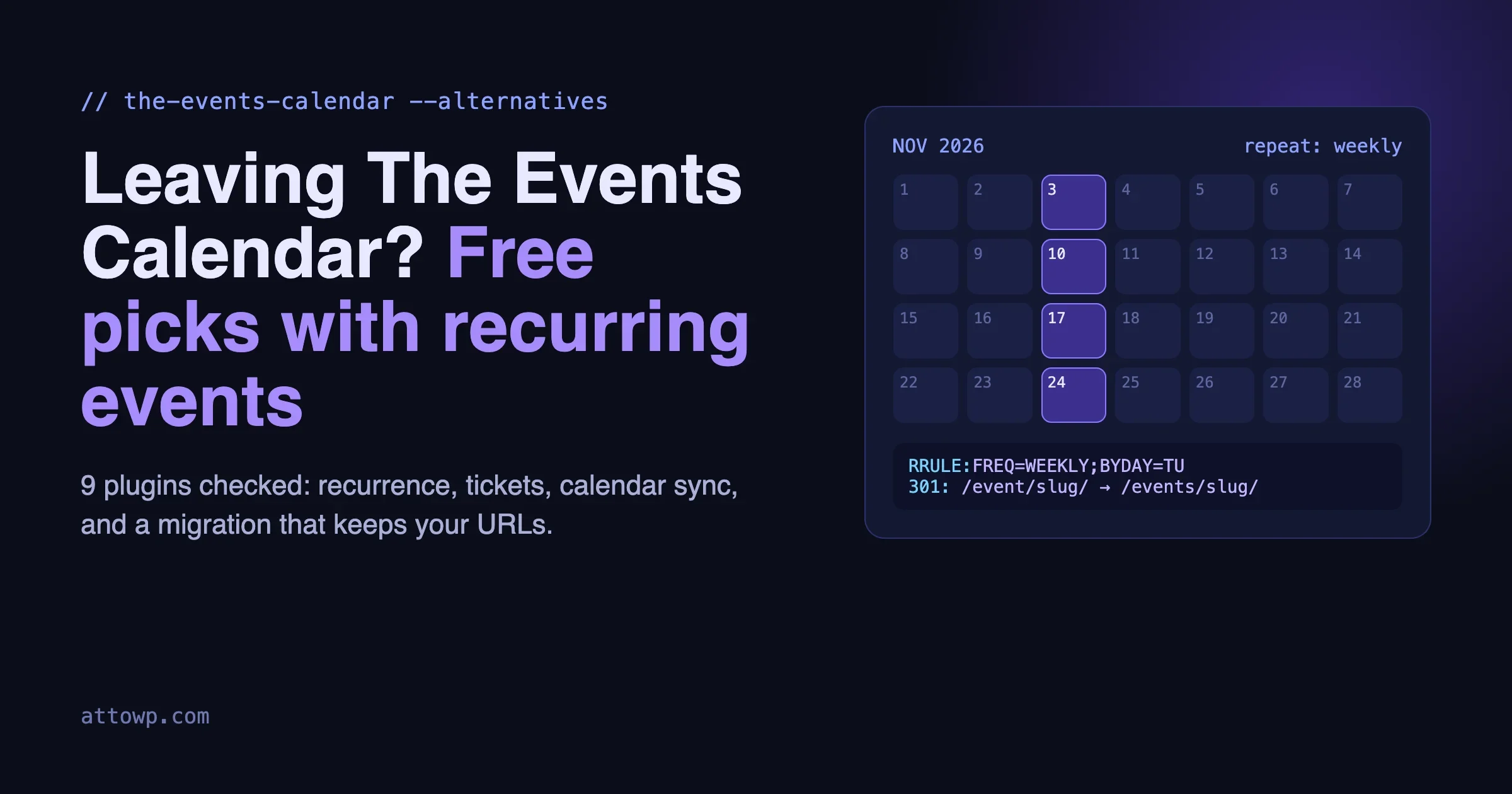
Short answer: the best The Events Calendar alternatives for most small sites cost nothing to start. If the only thing pushing you off The Events Calendar is that recurring events sit behind a paid plan, three free plugins already include recurring events today: Events Manager, Eventin and EventPrime, plus Eventonomy if you can install a plugin from outside WordPress.org. If you need free paid-ticket sales with Stripe, look at Sugar Calendar Lite or Eventin. If you run a member community, Eventonomy is built for that case. If you mostly sell appointments and classes, Amelia is a booking tool first and an events calendar second. The rest of this guide explains how I checked each one, where each falls short, and how to move your events across without breaking old links.
Every feature claim below was checked on November 3, 2026 against the plugin’s own WordPress.org listing or its official product page. Version numbers and install counts come from the WordPress.org plugin directory on that date. Where I could not confirm something, I say so instead of guessing. Plugin pricing changes often, so treat every price here as a starting point and confirm it on the vendor’s page before you buy.
Why site owners look for The Events Calendar alternatives
The Events Calendar by StellarWP is the default events plugin for a reason. The free version runs on more than 600,000 sites, it is actively maintained (version 6.18.3 shipped on October 29, 2026), it supports the block editor, it exports to Google Calendar and iCal, and it has a REST API. Nobody should rip it out just because a blog post said so. But three things keep coming up when owners ask me about switching.
1. Recurring events and ticketing cost more than many small sites expected
The free plugin’s own WordPress.org description points you to Events Calendar Pro for “recurring events, ticket sales, user-submitted events, automatic imports, and more.” So the weekly yoga class, the monthly meetup, and the Sunday service all need a paid plan.
The pricing page at theeventscalendar.com now presents a single plan structure. On the day I checked, it listed Pro at $399 per year (ticket sales, recurring, virtual and hybrid events, attendee reports, QR check-in app, WooCommerce, event importing) and Elite at $599 per year (adds seating maps, assigned seats and email campaigns). For an agency building a large events site, that can be fair value. For a church, a yoga studio or a local club that only needs a repeating event, it is a lot of money for one feature.
There is a second, quieter cost. The free Event Tickets plugin can sell tickets through its built-in Tickets Commerce with PayPal, Stripe or Paystack. The Pro plan lists “no ticket commission fees” as one of the things it adds, which tells you the free path carries a commission. Check the current rate on their site before you plan your ticket prices around it.
2. The September 2026 security disclosure
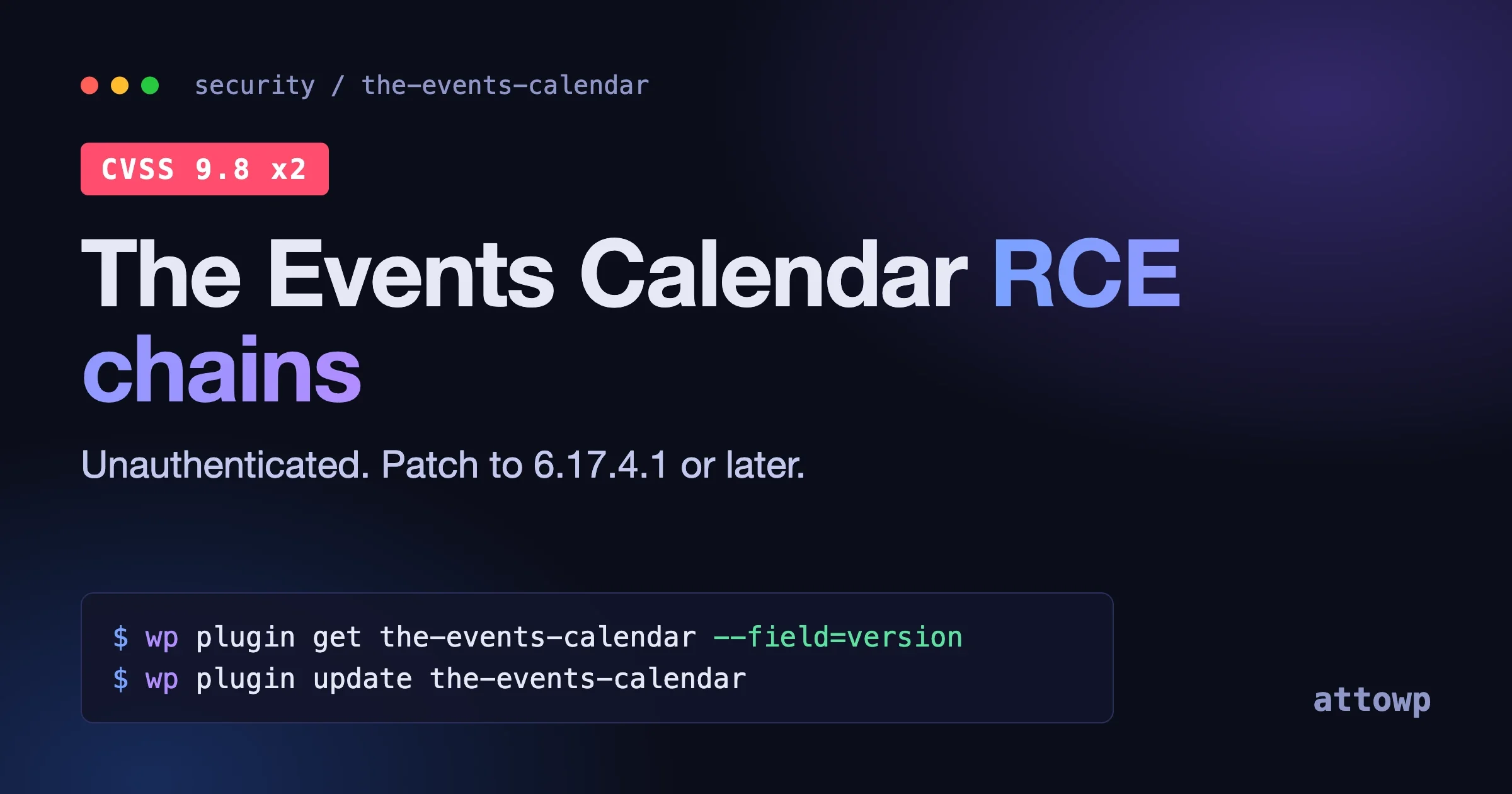
In September 2026 Wordfence disclosed two unauthenticated remote code execution chains in The Events Calendar (CVE-2026-78006 and CVE-2026-78159), both rated CVSS 9.8, both starting from a comment on an event page. They are fixed in 6.17.4.1 and later, and they only matter on sites where event comments are switched on. I covered who is exposed and how to check a fleet in our breakdown of the two Events Calendar RCE chains.
To be fair: every popular plugin gets security reports, and StellarWP patched these quickly. A single disclosure is not a reason to migrate. What it did do is make many owners look at their stack and ask whether they need a big multi-plugin suite for a calendar that shows twelve events a year. That is a reasonable question, and it is the real reason most people end up reading posts like this one.
3. Weight and the add-on stack
A full TEC setup is often The Events Calendar, Events Calendar Pro, Event Tickets, Event Tickets Plus, and sometimes Community Events and Filter Bar. Each is a separate plugin with its own update cycle. That is not wrong, it is just a lot of moving parts for small sites, and every extra plugin is another thing to keep patched. If your needs are simple, one lighter plugin that does the job is easier to live with.
What to check before you switch
Before comparing The Events Calendar alternatives, write down what your site actually needs. Most failed migrations I have seen picked a plugin for a feature list and then found out it was missing the one thing they used every week. Check these, in this order:
- Recurring events in the free version. Do you need daily, weekly or monthly repeats? Do you need patterns like “the last Friday of each month” or skipped dates for holidays? Many plugins give you simple repeats free and keep advanced patterns for the paid tier.
- Free RSVP vs paid tickets. A headcount for a free meetup is a different job from selling seats with tiers, coupons and refunds. If money changes hands, read our separate roundup of WordPress ticketing plugins as well.
- Calendar sync. One-way export (an iCal feed and “add to Google Calendar” buttons) is common and free. Two-way Google Calendar sync, where an edit in Google comes back to your site, is rarer and usually paid.
- Blocks. If your theme is a block theme, you want the calendar and event list as real blocks, not only shortcodes.
- Import path. Can the new plugin read your TEC events directly, or will you rebuild them by hand from a CSV?
- Where the data lives. Some plugins store events as posts with metadata, others use their own database tables. Custom tables usually scale better for big calendars, but they also mean the data is less visible to generic WordPress tools.
The Events Calendar alternatives compared
This table only says “free” when the plugin’s own listing puts the feature in the free version. “Paid” means it is in a Pro plan or a paid add-on. “Unclear” means the official sources did not settle it.
Plugin (free version checked) | Active installs | Recurring events free? | Paid tickets free? | Calendar sync | Blocks | Imports TEC? |
|---|---|---|---|---|---|---|
The Events Calendar 6.18.3 (baseline) | 600,000+ | No (Pro) | Via free Event Tickets, with commission | iCal and Google export | Yes | n/a |
Events Manager 7.4.12 | 60,000+ | Yes, with exclusion dates | No, online payments are Pro | iCal feed, add-to-calendar buttons | Yes (calendar, list, locations) | Not listed |
Eventin 4.1.30 | 10,000+ | Yes, incl. custom patterns | Yes (Stripe, PayPal, WooCommerce) | Google, iCal, Outlook, Yahoo | Gutenberg compatible, Elementor widgets | Import/export listed, TEC not named |
EventPrime 4.3.7.0 | 7,000+ | Yes (day, week, month, year, custom) | Bookings with PayPal and Stripe listed | Not confirmed in listing | Not confirmed in listing | Not listed |
Sugar Calendar Lite 3.16.0 | 10,000+ | No (Pro) | Yes (Stripe) | Google Calendar sync, ICS import | Yes | Not listed (JSON/CSV export) |
Amelia Lite 2.4.14 | 90,000+ | Unclear for events | Ticket options for events are premium | Google and Outlook Calendar | Yes | No |
WP Event Manager 3.4.2 | 20,000+ | Paid add-on | Paid add-on | iCal via add-on | Gutenberg compatible | Not listed |
Modern Events Calendar Lite | Not on WordPress.org | Unclear | No (Pro) | Unverified | Unverified | Unverified |
Eventonomy 1.9.1 (not on WordPress.org) | n/a | Yes (daily, weekly, monthly, yearly) | No, free tickets and donations only; paid is Pro | ICS feed, add-to-calendar | Yes, every surface is a block | Yes, one-click, with 301 redirects |
The plugins, one by one
Events Manager: the long-running free option with real recurrence
Events Manager by Marcus Sykes has been around for well over a decade and still ships often; version 7.4.12 was released on October 26, 2026. Its WordPress.org listing puts recurring and multi-day events in the free plugin, including “complex recurrence patterns with exclusion/blackout dates.” That last part matters more than it sounds. If your weekly class skips the week of a public holiday, you want to remove that one date without breaking the series.
The free version also gives you an iCal feed for single events and the full calendar, add-to-calendar buttons for Google, Outlook, Office 365 and Apple Calendar, timezone support per event, and native blocks for the events calendar, events list and locations list. It has a REST API and, in recent versions, an MCP integration. Bookings and attendee lists with CSV export are part of the core, but online payments through PayPal, Stripe or Square, PDF tickets with QR check-in, and waiting lists are in the Pro add-on.
Best for: clubs, churches, schools and venues with repeating schedules who mostly need a calendar and simple registration. Watch out for: the settings screens are dense and older in style, and you will spend some time in templates if you want a specific look.
Eventin: the most generous free feature list
Eventin by Arraytics has the longest free feature list of the group. According to its WordPress.org listing, the free version includes recurring events (daily, weekly, monthly or custom patterns), multi-tier ticket pricing, ticket sales through WooCommerce or direct Stripe and PayPal, PDF tickets, QR code check-in generation, RSVP tracking, Zoom and Google Meet integration, and Google Calendar, iCal, Outlook and Yahoo sync. It also lists event import and export for bulk management.
The Pro plan adds AI content tools, a landing page builder, a visual seat map, certificates, QR ticket scanning and a Dokan-based multivendor marketplace. Note the small wording difference: the free version generates a QR code per ticket, while the Pro feature list includes scanning at the door. If door check-in matters, test that exact flow before you commit.
Best for: owners who want to sell tickets to recurring workshops or classes without paying up front. Watch out for: the display side leans on Elementor widgets; it is listed as Gutenberg compatible, so check how its blocks look in your own theme before migrating a large calendar.
EventPrime: recurring events plus bookings in the free core
EventPrime by Metagauss is less known (7,000+ active installs) but its free plugin covers a lot. The listing includes multi-day and recurring events with repeats by day, week, month, year or a custom pattern, month, week, agenda and day calendar views, performers, venues and organizers, multiple ticket types, and bookings with PayPal and Stripe. A front-end area lets users manage bookings and download tickets. It also supports the WordPress Abilities API for AI agents.
A lot of extra functionality lives in paid extensions, such as live seating, coupons and invoices. The listing is a bit mixed on which payment features are core and which are extensions, so test checkout on a staging site before you plan around it.
Best for: small venues or organizers who want recurring events and basic paid bookings without buying anything. Watch out for: a smaller user base means fewer tutorials and forum answers when you get stuck.
Sugar Calendar Lite: lightweight, with free Stripe tickets but paid recurrence
Sugar Calendar is the “without the bloat” option. The free Lite version lets you publish a calendar, take registrations, and sell tickets with Stripe directly, no add-on needed. Free events can use tickets without a payment provider so you still get an attendee list. It has Google Calendar sync, ICS import from Google, Apple and Outlook calendars, JSON and CSV export, a Gutenberg block and Elementor widgets.
The catch for this guide: the listing says “Want recurring events, venues, RSVPs, frontend submissions, and more? Get Sugar Calendar Pro.” Even the Google sync behaves differently: Lite brings a recurring Google event in as a single event on its first date, while Pro syncs the whole series both ways.
Best for: sites with one-off paid events and a clean look. Watch out for: it is not a free recurring events plugin, despite how often it shows up in lists that claim it is.
Amelia: a booking system that also does events
Amelia is mainly an appointment booking plugin for salons, consultants, tutors and gyms, and it has an events module on top. The free Amelia Lite has 90,000+ installs, Gutenberg blocks, and Google and Outlook Calendar integration. The listing describes the events side as having “dynamic ticketing, deposit payments, and recurring events”, but in the same section it says different ticket options for events, custom notifications, reminders and some integrations are not in Lite. I could not confirm from the listing whether recurring events work in Lite, so I have marked it as unclear.
Best for: businesses where most bookings are appointments and events are occasional group sessions. Watch out for: it is not a drop-in replacement for a public events calendar, and there is no TEC importer.
WP Event Manager: a free core, with most event features in add-ons
WP Event Manager is built like WP Job Manager: a free core for event listings with front-end submission, search and filters, plus a large catalog of paid add-ons. Its listing names more than 37 premium add-ons, and the calendar view, ticket selling, iCal and recurring events are among them. It is compatible with Gutenberg and Elementor.
Best for: directory-style sites where organizers submit events and visitors browse a list. Watch out for: if you want recurring events, a calendar and tickets, you are buying several add-ons, so total the cost before you start.
Modern Events Calendar: popular, but check where you get it
Modern Events Calendar by Webnus has a big following and a polished look, and many roundups still list its free Lite version. One fact those roundups tend to skip: the WordPress.org directory shows Modern Events Calendar Lite as permanently closed since May 11, 2022, for a guideline violation. Webnus distributes Lite from its own site instead, and its support docs say you register to download it.
Third-party reviews disagree on whether recurring events are in Lite or only in Pro, and I could not find a current official Lite feature list I trust, so the table marks it as unclear. Ticketing and booking are part of the Pro version. I have not listed a Pro price because the figures I found online did not agree and none came from a current Webnus pricing page.
Best for: owners who like its design and are happy to buy Pro. Watch out for: plugins installed from outside WordPress.org do not get updates through the normal directory, so confirm how updates are delivered.
Eventonomy: built for communities, with the cleanest TEC migration
Disclosure: Eventonomy is made by Wbcom Designs, and I am part of that team. I have kept the same checks for it as for every other plugin here, and noted its limits.
Eventonomy is a free events and RSVP plugin. It is distributed from its product page on wbcomdesigns.com rather than from WordPress.org, and the current free version is 1.9.1 (October 2026). The free version includes unlimited events and RSVPs, capacity caps with an automatic waitlist, guest RSVPs without an account through a magic link valid for seven days, custom RSVP questions, and recurring series (daily, weekly, monthly, yearly). Occurrences are calculated ahead of time, so a two-year weekly series loads as fast as a single event.
Visitors get Grid, List, Month and Upcoming views, each at its own URL, plus an ICS feed and add-to-calendar buttons, and event schema markup on every event page. Every surface (calendar, single event, RSVP form, search, member dashboard) is a WordPress block that takes your theme’s fonts and colors. Members get a My Events dashboard and can submit events from the front end with a moderation queue. Events live in custom database tables behind a REST API (the eventonomy/v1 namespace), which is why it suits large community sites.
The part most relevant to this guide is migration. Eventonomy ships one-click importers for The Events Calendar, EventON, Events Manager, WP Event Manager and Sugar Calendar, plus CSV and ICS import. The importer shows a preview first, runs in the background on big sites, can be undone, and adds 301 redirects from your old event URLs to the new ones.
The limits, stated plainly: paid ticketing is not free. Eventonomy Pro adds Stripe, PayPal and WooCommerce checkout, coupons and tax, QR door check-in, Week and Day hour grids, maps, SMS reminders and advanced recurrence such as “last Friday of each month.” Pro was listed at $99 per year for one site (or $249 lifetime) and $199 per year for five sites when I checked. Calendar sync is ICS export and add-to-calendar buttons, not two-way Google sync. And because it is newer and not in the WordPress.org directory, it has a smaller public track record than Events Manager or TEC.
Best for: membership and community sites (including BuddyPress and BuddyNext) where members create and RSVP to each other’s events, and TEC users who want an importer that keeps old links working. Watch out for: if you need paid tickets on day one, budget for Pro, or pick Eventin or Sugar Calendar Lite.
The best free WordPress events plugins with recurring events
If your one requirement is “recurring events, free”, here is the shortlist, based on what each official listing places in the free version:
- Events Manager for the most flexible free recurrence, including exclusion dates, and the longest track record.
- Eventin if you also want free paid ticketing and calendar sync with Google, iCal and Outlook.
- Eventonomy if you run a community and want RSVPs, waitlists, blocks and a one-click TEC importer.
- EventPrime if you want recurring events with bookings and more calendar views, and do not mind a smaller community.
Not on this list, on purpose: The Events Calendar free, Sugar Calendar Lite and WP Event Manager, because recurring events are paid in all three, and Modern Events Calendar Lite and Amelia Lite, because I could not confirm it from official sources.
How to pick by situation
Here is how I would decide, based on what the site actually does.
You run weekly or monthly events and only need a calendar
Use Events Manager. It is free, it handles skipped dates, and it has been stable for years. If your theme is a block theme, use its calendar and list blocks instead of shortcodes.
You sell tickets to classes, workshops or a small conference
Try Eventin first, since recurring events and Stripe or PayPal ticket sales are both in the free version. If you only run one-off paid events and want something light, Sugar Calendar Lite is a good fit. If you already pay for TEC and it works, staying on Event Tickets Plus is a valid choice too.
You run a membership site or online community
Use Eventonomy. Front-end event creation, member RSVPs, waitlists and a My Events dashboard are what community sites need, and they are in the free version. Add Pro when you start charging.
You mostly sell appointments, with some group events
Use Amelia. It is a booking system first, and that is the right tool when one-to-one bookings drive the business.
Organizers submit events to a public directory
WP Event Manager’s listing-first design suits this, as long as you budget for the add-ons you need. Events Manager and Eventonomy both support front-end submission too.
You are an agency with many client sites
Standardize on one plugin across the fleet so updates and security checks are one routine, not five. Pick the one with the import path and support you trust, and test it on your heaviest client site first.
How to migrate from The Events Calendar without losing events or links
Switching is safe if you treat it like any other data move: back up, export, import, check, redirect, and only then remove the old plugin. If you are not comfortable with the command line, the plain-English steps still apply; ask your developer or host to run the commands.
Step 1: Back up and patch first
Take a full database and files backup. If the site is still on The Events Calendar below 6.17.4.1, update it now, even if you are leaving next week. A vulnerable plugin is still vulnerable while you plan the move.
Step 2: Count what you have
Know the numbers before you import, so you can check them after. TEC stores events as the tribe_events post type, venues as tribe_venue and organizers as tribe_organizer. With WP-CLI:
# Count events, venues and organizers before migrating
wp post list --post_type=tribe_events --post_status=any --format=count
wp post list --post_type=tribe_venue --post_status=any --format=count
wp post list --post_type=tribe_organizer --post_status=any --format=count

# Save a CSV of every event's ID, title, slug and status
wp post list --post_type=tribe_events --post_status=any \
  --fields=ID,post_title,post_name,post_status --format=csv > tec-events.csv
If you use WP-CLI less often, our list of WP-CLI commands worth knowing covers the basics.
Step 3: Export the event data
You have three ways to get your events out, from easiest to most complete:
- Use the new plugin’s TEC importer. If your target plugin reads TEC data directly (Eventonomy does), this is the best path, because it keeps venues, organizers and dates linked.
- Export iCal from TEC. The free plugin has iCal exporting built in, so the calendar views offer an export link that gives you an .ics file. It only includes the events that view shows, so for a large archive you may need several exports. Most alternatives can import ICS.
- Export a CSV with dates yourself. TEC keeps start and end times in post meta. This query lists each event with its dates, ready to open in a spreadsheet:
# Event slug, start and end date, as CSV-style output
# Uses your real table prefix automatically
wp db query "
  SELECT p.ID, p.post_name, s.meta_value AS start_date, e.meta_value AS end_date
  FROM $(wp db prefix)posts p
  JOIN $(wp db prefix)postmeta s ON s.post_id = p.ID AND s.meta_key = '_EventStartDate'
  JOIN $(wp db prefix)postmeta e ON e.post_id = p.ID AND e.meta_key = '_EventEndDate'
  WHERE p.post_type = 'tribe_events' AND p.post_status = 'publish'
  ORDER BY s.meta_value" --batch > tec-event-dates.tsv
A note on recurring events from Events Calendar Pro: recent TEC versions store recurrence rules and occurrences in their own tables, and individual occurrences often have their own dated URLs. A generic CSV will not rebuild a series for you. Either use an importer that understands TEC recurrence, or recreate each series by hand in the new plugin (usually a few minutes per series) and import only the one-off events.
Step 4: Import on staging and check the numbers
Run the import on a staging copy first. Then compare the counts from Step 2 with what the new plugin shows. Open ten events at random and check the title, date, time, timezone, venue and description. Timezones are the most common thing to go wrong, so check an event in a different timezone if you have any.
Step 5: Keep your URLs working with redirects
By default TEC serves the calendar at /events/ and single events at /event/your-event-slug/. Your new plugin probably uses a different pattern. Old links in emails, social posts and search results need a 301 redirect to the new address, or you lose that traffic.
Some importers add these redirects for you. If yours does not, a free redirect plugin such as Redirection lets non-technical owners add rules from wp-admin. If you prefer server rules and your new single-event URLs keep the same slugs, one pattern covers them all. This example assumes the new plugin uses /events/your-event-slug/; change the target to match yours:
# Apache (.htaccess), placed ABOVE the WordPress rules
# Old TEC single event: /event/slug/ (and dated occurrences /event/slug/2026-11-10/)
RedirectMatch 301 ^/event/([^/]+)(/[0-9]{4}-[0-9]{2}-[0-9]{2})?/?$ /events/$1/
# Nginx equivalent, inside the server block
location ~ ^/event/([^/]+)(/[0-9]{4}-[0-9]{2}-[0-9]{2})?/?$ {
return 301 /events/$1/;
}If the slugs change during import, build a map from the CSV you saved in Step 2 instead, one old URL to one new URL per row. Also redirect the TEC category archives (/events/category/name/) if they had traffic. Check your top event URLs in Search Console to see which ones are worth the effort.
Step 6: Switch, watch, then remove
Go live with the new plugin and deactivate The Events Calendar, but do not delete it for a couple of weeks. Watch the 404 report in Search Console and your redirect plugin’s logs, and fix any old URL that is still getting visits. Once nothing important points at the old URLs and you are happy with the new calendar, delete the TEC plugins.
Frequently asked questions
Does The Events Calendar free version support recurring events?
No. Its WordPress.org listing points to Events Calendar Pro for recurring events, ticket sales and imports. Pro was listed at $399 per year when I checked.
What is the best free alternative to The Events Calendar?
For a general calendar with free recurring events, Events Manager. For free recurring events plus free paid tickets, Eventin. For community and membership sites, Eventonomy.
Is Modern Events Calendar free?
A Lite version exists, but it has not been on WordPress.org since the directory closed it in May 2022. Webnus offers it from its own site. Ticketing is in the paid Pro version.
Can I move my events without losing SEO?
Yes, if you add 301 redirects from the old TEC event URLs to the new ones and keep the old plugin installed but inactive until you have checked the 404 logs. Using the same slugs makes this much easier.
Which plugins offer two-way Google Calendar sync?
Sugar Calendar Lite lists Google Calendar sync, with full two-way recurring sync in Pro. Eventin lists Google Calendar sync in its free version. Most others, including TEC free, Events Manager and Eventonomy, offer one-way iCal feeds and add-to-calendar buttons.
My take
If The Events Calendar works for you, you are patched, and the price fits, there is no prize for switching. If you are paying for a whole suite just to repeat an event every Tuesday, or the security news made you rethink a heavy stack, you have good free options now. Pick Events Manager for a dependable free calendar with real recurrence, Eventin for free recurring events with ticket sales, and Eventonomy for community sites that want RSVPs and a migration that keeps old links alive. Whatever you choose, import on staging, check the counts, and redirect every old URL before you delete anything.


No comments yet