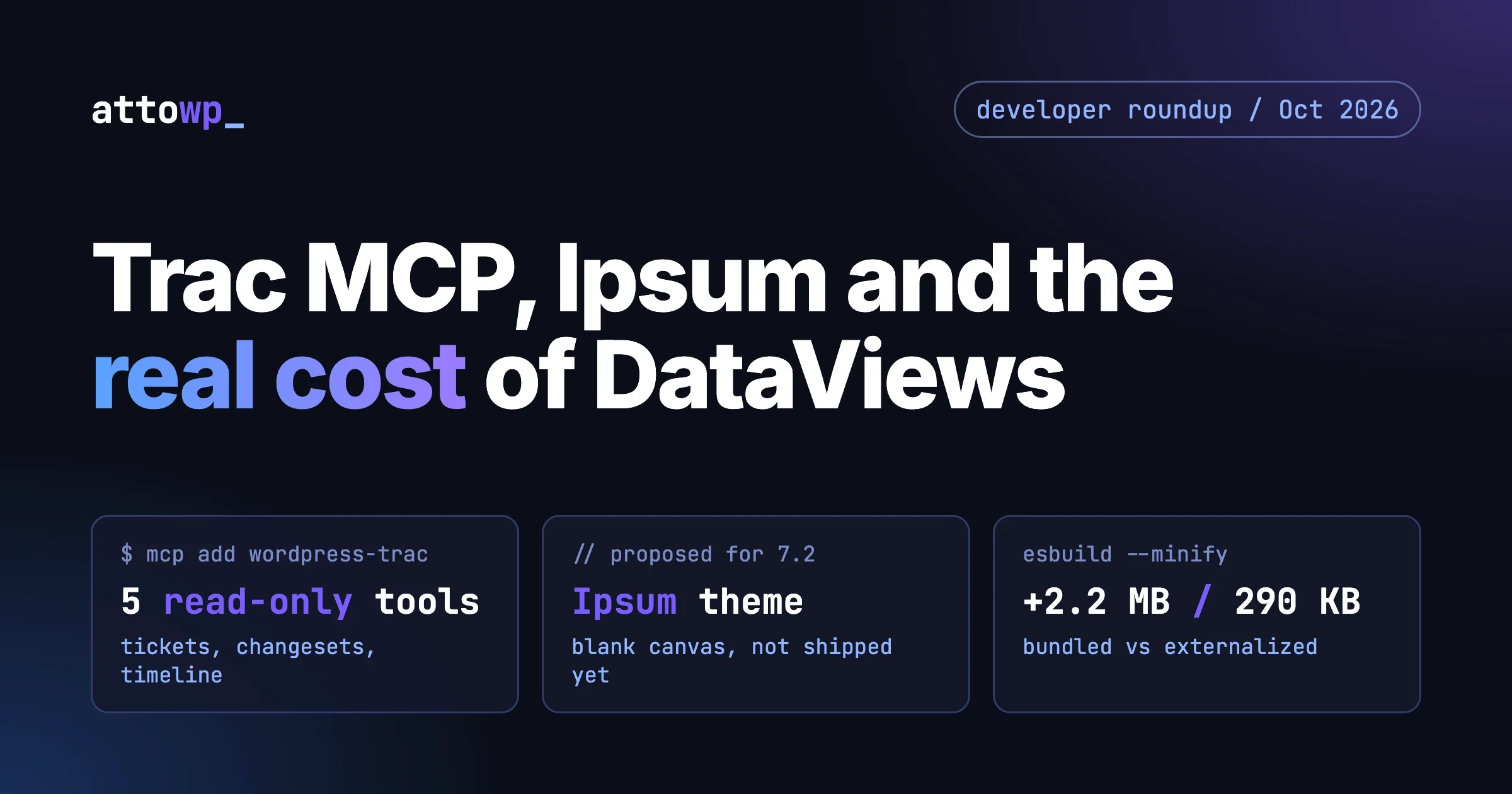
Three things landed in the WordPress developer world in the last two weeks that change what you do at the keyboard: the WordPress Trac MCP server gives AI clients an official way to read core Trac, the next default theme has a name and a public build, and a public question about the cost of @wordpress/dataviews sent me to measure the package instead of guessing. This roundup answers one question per section: what changes for me, and what do I do about it this week.
I checked the Trac server against the live endpoint, read both make.wordpress.org announcements in full, and built the dataviews bundle myself with esbuild. Where I could not verify something, I say so.
What does the WordPress Trac MCP server do?
It lets an AI client read WordPress Trac directly: tickets, changesets and the timeline. It is public and free, needs no account or API key, and works with every WordPress.org Trac, not only the core one. The Core Team announced it in the WordPress Trac MCP server post on 24 September 2026.
Before this, asking an assistant about a core ticket meant pasting a ticket URL and hoping it could scrape the page, or copying comments in by hand. Trac pages are long, the useful context is spread across comments, attachments, related changesets and pull requests, and a scraped page loses most of that structure. The MCP server returns it as structured data.
The announcement lists five tools, and the live server reports the same five when you ask it for its tool list:
- searchTickets searches tickets by keyword, ticket number or filter expressions. Plain keywords match the ticket summary only; to search ticket bodies you filter on description.
- getTicket returns a ticket with its fields, description, comments, attachments, the changesets that reference it and the linked GitHub pull requests with their checks and reviews.
- getChangeset returns a commit, optionally with its diff.
- getTimeline returns recent activity, filterable by days, date range and author.
- getTracInfo returns the components, milestones, priorities, severities, types and statuses a given Trac instance uses.
All five are marked read-only in the server’s own tool metadata. Nothing in the announcement or the tool list lets an agent comment on a ticket, change a status or upload a patch. That is the right default for a public server, and it also tells you what the tool is for: research and triage, not contribution on your behalf.
How do you connect Claude Code to the WordPress Trac MCP server?
One command registers the server over HTTP. This is the command from the announcement:
claude mcp add --transport http wordpress-trac \
  https://wordpress-trac-mcp-server-prod.a8c-aiops.workers.dev/mcp
If you would rather commit the setup to a repository so every contributor on the team gets it, the equivalent project-scoped file for Claude Code is a .mcp.json in the repo root:
{
  "mcpServers": {
    "wordpress-trac": {
      "type": "http",
      "url": "https://wordpress-trac-mcp-server-prod.a8c-aiops.workers.dev/mcp"
    }
  }
}
Other MCP clients take the same URL, or you can bridge with mcp-remote if your client only speaks stdio. ChatGPT uses a separate search-and-fetch endpoint at /mcp/chatgpt. To read Meta Trac instead of Core, connect to /mcp/meta. The same pattern covers the other Tracs the announcement names: Themes, Plugins, bbPress, BuddyPress, GlotPress and GSoC. The README in the WordPress/trac-mcp repository lists every endpoint and client setup.
I did not just read about it. I sent the server an MCP initialize request and a tool list request over plain HTTP, then called searchTickets with the filter component=HTML API&status!=closed&order=changetime&desc=1. It returned open HTML API tickets with id, status, owner, type, priority, milestone and component for each, including several on the 7.2 milestone. The server identified itself as “WordPress Trac” version 1.2.0 on the date of writing.
What is the WordPress Trac MCP server good for in daily work?
Three jobs stand out, all of them research rather than writing.
- Finding out whether a bug is already known. You hit odd behaviour in a core function. Instead of guessing search terms in the Trac web UI, you ask the assistant to search open and closed tickets for the function name and summarise what was decided and in which milestone. The filter syntax supports exact and contains matches, negation and ordering, so an agent can build a precise query.
- Reading a long ticket properly. A ticket with 150 comments and six attachments is hard to skim.
getTicketreturns the comments, the related changesets and the pull requests together, so you can ask “what is left to do and which pull requests are still open” and get an answer that reflects the whole thread. - Understanding a commit. Give the assistant a changeset number and it can fetch the commit with its diff and explain what changed and why, then follow the ticket reference back to the discussion.
The timeline tool is useful for release prep. If you maintain a plugin and want to know what core committed in your area since your last release, ask for the timeline over the last seven or fourteen days and filter by component in the follow-up question.
What should you ask the WordPress Trac MCP server?
Good prompts name a ticket, a component or a revision, and say what you want back. The first three come from the announcement itself. Each maps to one tool call:
- “What is left to do on ticket 59446, and which pull requests are still open?” maps to
getTicket. - “Show me open HTML API tickets, most recently changed first.” maps to
searchTicketswith a component filter and a sort order. - “Summarize r62723 and its diff.” maps to
getChangesetwith the diff included. - “What did this author commit last week?” maps to
getTimelinewith the author filter.
A vague prompt such as “tell me about the block editor” gives the agent nothing to filter on, and it will page through results you did not need. Name the component. If you do not know the exact component name, ask for getTracInfo first, because the names differ between Trac instances and an expression on a field the instance does not configure is rejected rather than silently ignored.
What does the WordPress Trac MCP server not do?
It does not write to Trac, it does not decide which ticket matters for you, and it cannot tell you what the Core Team will accept. It also answers from Trac only. Design discussion that happens in make.wordpress.org posts, Slack, or GitHub review threads is visible only to the extent a ticket links to it. Treat its summaries the way you treat any assistant summary of a long thread: good for orientation, then open the ticket before you quote it in a bug report.
One practical point on privacy. It is a hosted public service, so whatever search terms and ticket numbers your client sends are sent to that host. Trac is public data, so that is a low-risk trade, but do not paste private client details into a Trac query.
If you want to build the other side of this, exposing your own site to an agent, my tutorial on building a WordPress MCP server in twenty minutes covers the adapter and a first ability. And if you wonder what an agent actually perceives when it uses a page, agents read the accessibility tree, not your CSS is the companion piece.
What is Ipsum, the proposed WordPress 7.2 default theme?
Ipsum is the proposed next default theme, planned to be bundled with WordPress 7.2. It is an intentionally minimal blog theme built around a blank canvas. It is a proposal, not a shipped theme: the announcement of 16 September 2026 opens it for public testing before the formal development review. The 7.2 roadmap post says the release is set for early December 2026.
The announcement also states a change of policy. Default themes will stop using year-based names. Going forward they get their own names and change when the design calls for it, not when the calendar does. The post attributes that direction to Matt Mullenweg. If you maintain tooling, documentation or tutorials that assume a “Twenty Twenty-Something” pattern, that assumption is now on a countdown.
Where did the design come from?
The team first developed a theme called Metis (written Mētis in the post), aimed at writers, makers and thinkers, to show off what the block editor can now do. After reviewing the direction, the team changed course: the default theme bundled with WordPress should be the simplest possible starting point. Metis remains a separate theme and will not ship in this release. The post says the new flagship theme will get its own announcement once it is ready to download and test.
Ipsum is named after lorem ipsum, the placeholder text that fills a page until real content arrives. According to the post it is built around the blogging experience and has a deliberately quiet page: dotted underlines described as an editor’s pencil, a small number of typesets, and style variations that restyle the whole page, images included. Every combination is stated to pass WCAG AA. Headers, heroes and sidebars are available but stay out of the way when you only want to write.
The people named as leading the work are Carolina Nymark, Maggie Cabrera and Juanfra Aldasoro on development, and Henrique Iamarino on design and theme building. The post is explicit that what is available today reflects the design work and that the development review is still ahead.
What changes for block theme and child theme authors?
Be careful here, because the announcement is a design announcement, not a technical specification. It does not publish template, pattern or theme.json details beyond the style variations and the accessibility claim, so anything I told you about internals would be a guess. What can be said with confidence is practical.
- Test it now. The post asks for feedback because the window before 7.2 is short, and it says what the team cannot fold in before release will shape later updates. If you build block themes, this is the cheapest moment to report a problem.
- Do not hard-code the theme slug. If a plugin or child theme checks for
twentytwentyfiveor builds a name from the year, replace that with a check on the active theme’s capabilities, such aswp_is_block_theme(), or a feature test. - Expect a blank canvas, so rely on your own patterns. A theme this minimal means you will bring your own patterns and styles. Child theme authors should wait for the final file structure before committing to overrides.
- Re-test your styles against a different default. Plugins ship CSS that is tested against the current default theme. A quieter default with its own typesets and variations is a good excuse to check your front-end output on it.
A small test you can run today, without waiting for the final build, is to install the GitHub build in a throwaway site and confirm that your plugin’s front-end output and block styles hold up:
wp theme install <zip-url-from-the-announcement> --activate
wp eval 'echo wp_get_theme()->get_stylesheet() . PHP_EOL; var_dump( wp_is_block_theme() );'
Replace the placeholder with the download link from the announcement. I have not hard-coded a repository address because the announcement links the build through a download button, and a guessed URL would be worse than none. The second command prints the active theme’s slug and whether WordPress treats it as a block theme, which is the check your own code should use instead of comparing slugs.
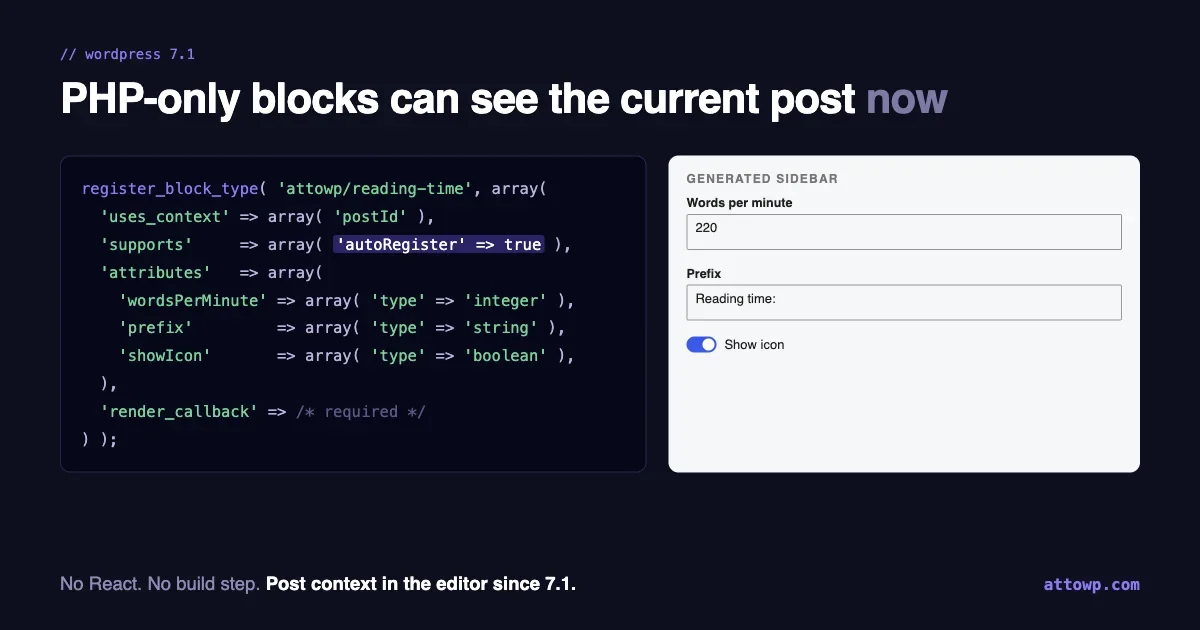
If you are new to the block theme side, the full site editing guide covers theme.json, templates and Global Styles from the developer angle, and PHP-only blocks in 7.1 shows how recent block registration changes affect plugin code you may be testing against the new theme.
What does @wordpress/dataviews really cost in bundle size?
In my build it adds about 2.2 MB of minified JavaScript, roughly 420 KB gzipped, when every dependency is bundled. If you externalize the WordPress packages and React as core scripts, the same import measures about 290 KB minified, 83 KB gzipped. The published npm package is a different number again: about 7.0 MB unpacked across 1,287 files, which is mostly unminified source, type files and source maps and never reaches a browser.
The question went around publicly in September: does adding DataViews to a plugin add around 1.8 MB? I will not repeat that figure as fact, because a measurement answers it better. It is the same order of magnitude as what I measured in the all-bundled case, but a single number hides which build you are describing. Here is what I did so you can reproduce it.
How did I measure it?
I installed @wordpress/dataviews 19.1.0 (the current release on npm today) with React 18.3 and esbuild in an empty folder, then bundled two entry files as minified IIFEs with NODE_ENV set to production: one that only imports createRoot from react-dom/client, and one that also imports DataViews. The difference between them is the cost of the DataViews import. esbuild tree-shakes, and the package declares "sideEffects": false, so unused exports are already dropped.
npm init -y
npm i @wordpress/dataviews@19.1.0 react@18 react-dom@18 esbuild

# base.js:  import { createRoot } from 'react-dom/client'; console.log(createRoot);
# app.js:   same, plus: import { DataViews } from '@wordpress/dataviews';

for f in base app; do
  npx esbuild $f.js --bundle --minify --format=iife \
    --define:process.env.NODE_ENV='"production"' \
    --loader:.css=empty --outfile=out-$f.js
done
wc -c out-*.js
gzip -9c out-app.js | wc -c
Tested with esbuild 0.28 on Node, 1 October 2026. CSS is excluded from the JavaScript numbers by the empty loader and measured separately.
What are the numbers?
Build | Minified | Gzipped |
|---|---|---|
react-dom/client only (baseline) | 142,122 bytes | 45,497 bytes |
Baseline plus DataViews, everything bundled | 2,340,382 bytes | 467,480 bytes |
Added by DataViews (difference) | about 2.2 MB | about 422 KB |
DataViews with React and 22 @wordpress packages treated as externals | 291,270 bytes | 82,818 bytes |
DataViews stylesheet ( | 104,447 bytes | not measured |
In the all-bundled build the biggest contributors by bytes in the output were:
moment-timezone: 735,603 bytes@wordpress/ui: 375,330 bytes@wordpress/components: 147,688 bytes@base-ui/react: 142,622 bytes@wordpress/dataviewsitself: 139,040 bytesframer-motion: 108,220 bytes
The package you are importing is about 139 KB of that total. The rest is its dependency tree. Timezone data alone is a third of the bundle, and that comes in through the date package rather than from DataViews code.
Why does every plugin carry its own copy?
As far as I could verify, WordPress core does not expose DataViews as a public script handle that plugins can depend on, so a plugin that imports it has to include it in its own bundle. When two plugins on the same site both do, the browser downloads and parses the code twice, once per plugin. The dependency extraction step in the usual WordPress build tooling swaps imports of known WordPress packages for the copies core already loads on the page, which is why the externalized number above is so much smaller. It can only do that for packages core actually registers as scripts.
The second number has limits. I chose the externals list by hand to approximate what dependency extraction would do. I did not run @wordpress/scripts, and I did not load the result in a WordPress runtime, so not every handle in my list is guaranteed to exist on a given WordPress version. Use my figure as a lower bound for what a well-externalized build might reach, not as a promise.
What are your options?
- Load it only where it is used. The admin screen that renders a DataViews table is usually one page. Enqueue the bundle on that screen only, and the cost lands on one admin page rather than every request. Use the screen ID check in
admin_enqueue_scripts. - Use dependency extraction and check the output. Build with the standard WordPress tooling, open the generated
.asset.phpfile and read the dependency list. The more of the tree that appears there as WordPress handles, the less ends up in your bundle. Then measure, as above, instead of assuming. - Split by route. If the plugin has several admin pages and only one needs the table, import it dynamically so the other pages do not load it.
- Wait for core, if your timeline allows. I found no announcement of a shared DataViews script in core, so I would not plan around one.
- Use something lighter for simple tables. For a read-only list with a few columns, a plain table with server-side pagination and the REST API is smaller than any component library. DataViews earns its size when you need its filters, layouts, bulk actions and accessibility behaviour.
If the page is an admin screen used by one person a day, 2 MB of cached JavaScript is a minor cost, and the time you save by not building filters and bulk actions yourself is usually worth more. If the bundle loads on the front end, or on every admin page, it is not.
When can you ignore all three?
You can skip the Trac server if you never read core tickets and only consume releases. You can skip the Ipsum work if you ship plugins that do not render front-end output, since a default theme only matters to what a visitor sees. And you can skip the DataViews measurement if your admin screens are small, rarely used, and already load nothing on the front end. Balanced advice beats a list of things that all need your attention, and none of these is an emergency. The Trac server is the one with an immediate payoff, because it takes one command and starts saving time on the next ticket you read.
What should you do this week?
Four actions, in order of effort:
- Add the WordPress Trac MCP server to your assistant with the one-line command above and ask it about a ticket you already know well. If the answer matches what you know, trust it for tickets you do not.
- Install the Ipsum build in a throwaway site and check your plugin front end, then file anything that breaks where the announcement asks for feedback.
- Search your code for theme slugs and year-based assumptions, and replace them with feature checks.
- If you ship DataViews, run the two-file measurement above on your own plugin, look at the largest modules in the esbuild metafile, and restrict the script to the screens that use it.
Everything above comes from the primary sources: the Trac MCP announcement and the Ipsum announcement on make.wordpress.org/core, the 7.2 roadmap post, the npm registry entry for @wordpress/dataviews, and my own build on 1 October 2026. I will update this post when the Ipsum development review lands or if core announces a shared DataViews script.

No comments yet