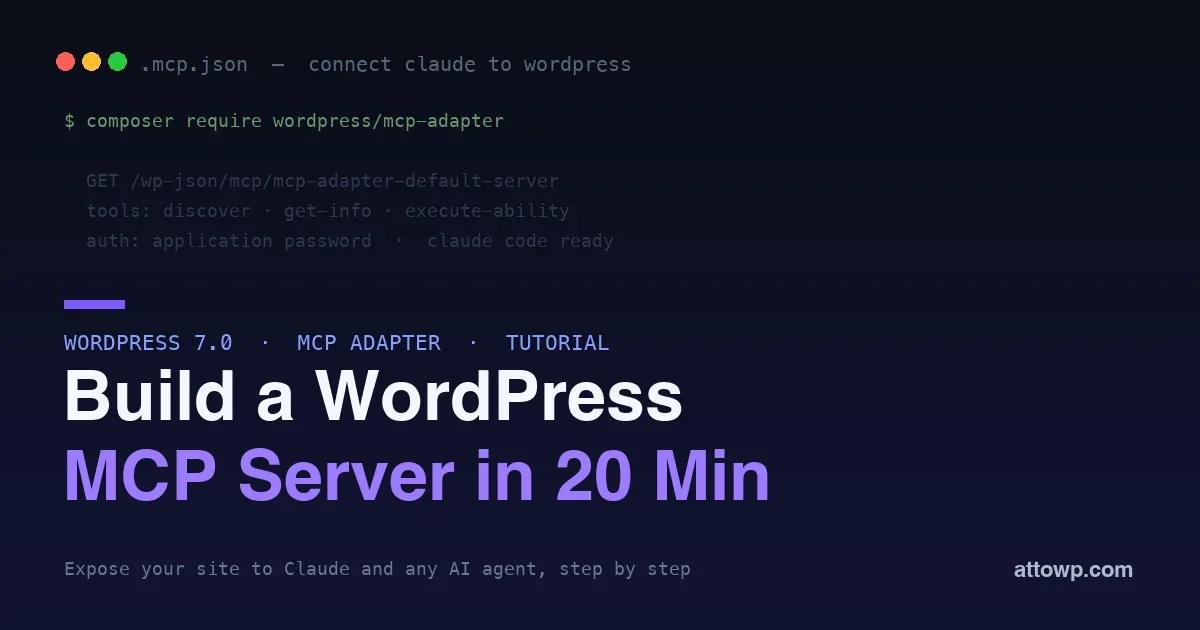
WordPress 7.0 gave us the Abilities API: typed, discoverable functions your plugin can register. The MCP Adapter is the piece that turns those abilities into tools an AI agent can actually call. Put them together and your WordPress site becomes something Claude, Cursor, or any Model Context Protocol client can talk to directly, discovering what your site can do and executing it on request.
This is a hands-on tutorial. In about twenty minutes you will install the MCP Adapter, expose one ability as an MCP tool, and connect Claude Code to your site so it can call that ability. If you have already read our guide to the Abilities API, this is the natural next step: from registering abilities to letting an agent use them.
Why expose WordPress to an AI agent?
Before the how, the why. An MCP server turns your site from something an AI can only read about into something it can operate. Instead of copy-pasting content into a chat window and pasting results back, an agent connected over MCP can pull your recent posts, check a setting, draft against your real taxonomy, or run a maintenance task, all against the live site with your permissions.
The practical wins show up fast. Content teams get an assistant that works with the actual site rather than a guess of it. Developers get a way to let an agent inspect and act on a WordPress install during a build. And because abilities are typed and discoverable, the agent learns what your site can do by asking, rather than needing every action hard-coded into a prompt. It is the difference between an AI that talks about WordPress and one that uses it.
What you are building
By the end you will have an MCP server running on your WordPress site at a REST endpoint, exposing three built-in tools plus any ability you mark public. An MCP client like Claude Code connects to it, lists the available tools, and calls your ability with real arguments, all authenticated with an application password. No custom protocol code, just an ability and a config file.
Prerequisites
- WordPress 7.0 or later, so the Abilities API is available.
- An application password for a user with the right capabilities (Users then Profile then Application Passwords).
- Node.js, for the proxy that bridges an MCP client to the HTTP endpoint.
- An MCP client, such as Claude Code or Claude Desktop.
Step 1: Install the MCP Adapter
The adapter is an official package in the AI Building Blocks for WordPress initiative. Install it as a plugin from its GitHub releases, or with Composer:
composer require wordpress/mcp-adapterOnce active, it stands up a default server named mcp-adapter-default-server and exposes three tools automatically: mcp-adapter-discover-abilities, mcp-adapter-get-ability-info, and mcp-adapter-execute-ability. Those three are enough for an agent to find and run any ability you make public.
Step 2: Register an ability and mark it public
Register a normal server ability on the wp_abilities_api_init hook, then add the MCP flag so the default server exposes it. Here is a simple read-only ability that returns recent post titles:
add_action( 'wp_abilities_api_init', function () {The
wp_register_ability( 'my-plugin/recent-posts', array(
'label' => __( 'Get Recent Posts', 'my-plugin' ),
'description' => __( 'Returns the titles of the most recent posts.', 'my-plugin' ),
'category' => 'content',
'input_schema' => array(
'type' => 'object',
'properties' => array( 'count' => array( 'type' => 'integer' ) ),
),
'output_schema' => array(
'type' => 'array',
'items' => array( 'type' => 'string' ),
),
'permission_callback' => function () { return current_user_can( 'read' ); },
'execute_callback' => function ( $input ) {
$posts = get_posts( array( 'numberposts' => min( 10, $input['count'] ?? 5 ) ) );
return array_map( fn( $p ) => $p->post_title, $posts );
},
'meta' => array(
'mcp' => array( 'public' => true ), // exposes it on the default MCP server
),
) );
} );'mcp' => array( 'public' => true ) flag is the entire difference between an ability your own UI can call and one an agent can discover over MCP.
Step 3: Confirm the endpoint
The default server answers over HTTP at a REST route on your site:
https://yoursite.example/wp-json/mcp/mcp-adapter-default-serverThat endpoint speaks MCP. You will not call it by hand; the client and a small proxy handle the protocol. But it is worth knowing where it lives, and that it sits behind the same authentication as the rest of your REST API.
Step 4: Connect Claude Code
For a public site, an MCP client reaches the HTTP endpoint through the @automattic/mcp-wordpress-remote proxy, run with npx. Add this to your Claude Code MCP config (.mcp.json in a project, or .claude.json in your home directory):
{Use the application password from the prerequisites, not your login password. For local development you can skip the proxy entirely and use the STDIO transport through WP-CLI instead, which is handy while testing.
"mcpServers": {
"wordpress": {
"command": "npx",
"args": [ "-y", "@automattic/mcp-wordpress-remote@latest" ],
"env": {
"WP_API_URL": "https://yoursite.example/wp-json/mcp/mcp-adapter-default-server",
"WP_API_USERNAME": "your-username",
"WP_API_PASSWORD": "your-application-password"
}
}
}
}
Step 5: Test it
Restart your MCP client so it picks up the new server, then ask it to use the site. A prompt like “list the tools on the WordPress server, then get my five most recent post titles” will make the agent call mcp-adapter-discover-abilities, find my-plugin/recent-posts, and execute it. When the titles come back, you have a working WordPress MCP server: an agent discovering and running your ability, live, over an authenticated connection.
What you can do once it is connected
The recent-posts ability above is a hello-world. The same pattern scales to the things you actually want an agent to do:
- Content operations: expose abilities to search posts, fetch drafts, or check publishing status, and an agent can help triage your editorial queue.
- Site inspection: read-only abilities that report active plugins, recent errors, or settings let an agent answer “what is the state of this site” without you digging.
- Guarded actions: write abilities behind strict capabilities, so an agent can create a draft or update a specific option when you ask, and only then.
- Cross-tool workflows: because it is standard MCP, the same server works alongside your other MCP tools, so an agent can move between your codebase, your site, and other services in one session.
Each of these is just an ability with the public flag. The adapter does the rest.
Why the schemas matter more with agents
When you registered the ability, you gave it an input schema and an output schema. With a human-driven UI those are nice-to-haves. With an agent they are essential. The input schema tells the agent exactly what arguments the ability accepts and their types, so it can construct a valid call without trial and error. The output schema tells it what shape to expect back, so it can use the result confidently. A vague or missing schema forces the agent to guess, which is where wrong calls and hallucinated arguments come from. Treat the schemas as the contract the agent reads, and make them as precise as you can: required fields marked required, types narrow, and descriptions written for a reader who has never seen your code. The better the schema, the better the agent behaves.
Security: do not skip this
An MCP endpoint is a door into your site for anything holding the credentials, so treat it accordingly:
- Minimal permission callbacks. Gate each ability on the least capability it needs. An agent inherits the permissions of the user whose application password it uses.
- A dedicated, limited user. Create a specific user with a narrow role for MCP access rather than handing out an administrator application password.
- Prefer read-only for public HTTP. Expose read abilities freely; gate anything that writes behind stricter capabilities and consider keeping it off the public server.
- Annotate destructive abilities. Mark write and delete abilities so a well-behaved agent asks before running them.
Local development with STDIO
While you are building, the HTTP proxy is more than you need. For a local WordPress install, the adapter can serve over STDIO through WP-CLI, which your MCP client launches directly:
{This runs against your local site with the given user, no application password or proxy involved, which makes iterating on a new ability quick. Switch to the HTTP configuration once you are ready to point an agent at a real, remote site.
"mcpServers": {
"wordpress-local": {
"command": "wp",
"args": [
"--path=/path/to/wordpress",
"mcp-adapter", "serve",
"--server=mcp-adapter-default-server",
"--user=admin"
]
}
}
}
Going further: custom servers
The default server is the fast path. For production you will often want a custom server with its own namespace and a curated list of abilities, so you control exactly what is exposed. The adapter lets you create one on the mcp_adapter_init hook, passing the transport, error handler, and the specific abilities to include. That keeps the public surface deliberate instead of exposing every ability that happens to carry the public flag.
Troubleshooting the connection
If the agent cannot see your tools, work through the usual suspects in order:
- The ability is not public. Confirm the
'mcp' => array( 'public' => true )flag is present; without it the default server does not expose the ability. - Authentication failing. Re-check the application password and username in the config, and that the user has the capability the ability requires.
- The endpoint is unreachable. Load the REST base in a browser to confirm the site’s REST API responds; a security plugin blocking REST will block MCP too.
- The client did not reload. MCP clients read their config at startup, so restart the client after editing it.
Work top to bottom and the failure is almost always one of these four.
Frequently asked questions
Do I need to write any protocol code?
No. The adapter implements MCP for you. You register an ability and add one flag; the adapter handles discovery, schemas, and execution over the protocol.
Which AI clients can connect?
Any MCP client. Claude Code, Claude Desktop, Cursor, and VS Code all support MCP servers through their own config files; the WordPress side is identical regardless of which one you point at it.
Is this safe to expose on a live site?
It is as safe as the abilities and permissions behind it. Keep public abilities read-only, gate writes tightly, use a dedicated limited user, and you have a controlled surface. The risk comes from over-exposing, not from the adapter itself.
What is the difference between this and the REST API?
The REST API is a transport; MCP is an agent-facing contract on top of your abilities. The adapter exposes your abilities as typed, discoverable tools an AI can reason about, rather than raw endpoints an agent would have to be told about in advance. For where this fits in the wider tooling picture, see our roundup of the MCP servers worth installing for WordPress workflows.
Can agents call abilities that write data?
Yes, if you expose them and their permission callback allows it. That power is exactly why you gate writes carefully, use a limited user, and annotate destructive abilities so the agent confirms before acting.
Does the MCP Adapter work on WordPress.com?
WordPress.com sites use OAuth 2.1 for authentication rather than application passwords, but the adapter and the ability model are the same. On a self-hosted install, application passwords over HTTP are the simplest path.
Will this slow my site down?
No. The adapter only does work when an MCP client actually calls it, and those calls run through the same REST stack as any other request. An idle MCP server costs nothing; a busy one costs what the abilities it runs cost.
Can I expose only some abilities, not all public ones?
Yes. That is exactly what a custom server is for: you pass an explicit list of abilities to expose, so the agent-facing surface is a deliberate choice rather than every ability that happens to carry the public flag.
Do I need the Abilities API and the MCP Adapter both?
Yes, they are two halves of one story. The Abilities API defines what your site can do; the MCP Adapter exposes those definitions to agents. Register abilities first, then let the adapter surface them.
What happens if two plugins expose abilities?
They coexist. Each ability is namespaced by its plugin slug, so the default server lists all public abilities from every plugin without collision, and the agent sees one combined toolset.
Is the MCP Adapter part of WordPress core?
It is an official package in the AI Building Blocks initiative rather than bundled in core today, which is why you install it via Composer or as a plugin. The Abilities API it builds on shipped in core with 7.0.
The bottom line
The Abilities API made WordPress functionality typed and discoverable; the MCP Adapter makes it reachable by AI agents. In twenty minutes you can install the adapter, mark one ability public, and have Claude Code calling your site over an authenticated MCP connection. Start with a read-only ability like the one above, confirm the round trip works, then decide deliberately which of your site’s actions belong on the agent-facing surface. The plumbing is done for you; the interesting part is choosing what your site should let an agent do.



No comments yet