In June 2026 a post hit the front page of Hacker News with a blunt question: did Claude increase bugs in rsync? The thread climbed to 387 points and 392 comments. The same week a Dev.to post titled Debloating The AI-Grown Codebase drew 30 reactions, and an Ask HN thread titled oh shit moment with GenAI reached 292 points and 557 comments. The developer community was processing something it had been quietly noticing for months: AI coding assistants may ship more code, but the quality signal is murky. If you are using Claude, Copilot, or Cursor to write WordPress plugins every day, this debate is directly relevant to your review process and your release confidence.
What the rsync Analysis Claimed
The rsync analysis examined commit history and bug reports over the period when maintainers began using Claude for patches and feature work. The central claim was that the defect rate per commit rose after AI-assisted contributions became a meaningful share of the codebase. Supporters of the claim pointed to several patterns: commits that touched unfamiliar subsystems without adequate test coverage, plausible-looking patches that failed on edge cases only exposed in production, and a measurable increase in regression-fix commits following AI-authored changes.
The counterclaims were equally specific. Critics argued that commit velocity had increased sharply during the same window, meaning more total commits even if the rate of defective commits stayed flat. They also noted that review standards for AI-generated code were inconsistently applied: some AI patches received the same lightweight review as a one-line human fix, while others received a full adversarial review. When reviewers treated AI output like human output, the defect rate looked elevated. When they applied stricter scrutiny, the rate normalized.
A third strand of the discussion pointed to attribution complexity. In a project with mixed human-AI authorship, a bug introduced by a human in one commit but enabled by an AI refactor in a prior commit gets counted once. Attribution is not clean. The rsync analysis could not fully disentangle whose code actually introduced the fault.
The defect-rate-per-commit metric treats every commit as an equally sized unit of risk. That assumption breaks when AI tooling doubles your commit velocity.
Summary of the core methodological dispute in the HN thread, June 2026
Why Defect Rate Per Commit Is a Tricky Metric
Defect rate per commit sounds objective. It is not. The metric inherits several assumptions that become unreliable when AI tooling changes developer behavior at scale.
Commit size variance
A commit that replaces a 40-line function with a 200-line AI-generated rewrite carries far more blast radius than a single-line typo fix. Counting them equally conflates risk. If AI tooling encourages larger, more ambitious commits, you will see more bugs per commit even if the bugs-per-line rate is flat or improving.
Selection effects on review
Developers who use AI assistance tend to push code faster. That same speed pressure often shortens the review cycle. If reviewers accept AI-generated patches more quickly because the code looks correct on first read, the defect rate for AI commits will be higher than for human commits that received the same review time. The variable being measured is not AI quality: it is review discipline.
Invisible bugs vs visible bugs
AI-generated code has a specific failure signature. It tends to handle the happy path correctly and fail silently on edge cases. A traditional NULL-pointer bug crashes loudly. An AI edge case might return a plausible-but-wrong value and not surface until a specific input combination hits production. Post-hoc bug counting undercounts this category because many silent failures never get filed as bugs.
Metric | What it captures | What it misses |
|---|---|---|
Defect rate per commit | Counted, reported bugs after commit | Silent failures, attribution complexity |
Bugs per 1000 lines | Density normalised for commit size | Review-time variance, test coverage gaps |
Regression rate | Breakage introduced in existing tests | Gaps in test suite coverage |
Production incident rate | Real user impact | Lags months behind code; confounded by traffic changes |
No single metric is sufficient. The rsync analysis used a defensible methodology for its stated question, but that question was narrower than the coverage it received implied.
What This Means for WordPress Plugin Teams
rsync is a tightly scoped, performance-critical C utility maintained by a small core team. WordPress plugins are PHP applications maintained by teams of one to ten developers, often with mixed experience levels, shipped to tens of thousands of sites. The failure modes overlap but are not identical. Here is what the broader debate reveals about AI code quality in the WordPress plugin context specifically.
Failure mode 1: Bloat and duplicated helpers
The Dev.to post on debloating AI-grown codebases described a pattern that anyone working with Claude or Copilot on a mature plugin will recognize. The model generates a helper function to solve the immediate task without knowledge of the existing codebase. Two months later, the plugin has three slightly different versions of the same utility: one written by a human six months ago, one generated by the AI in February, one generated in May with a different argument signature. They all work. None of them is wrong. But the codebase now has hidden coupling, inconsistent error handling across the three implementations, and a new developer has no idea which one to trust.
This is not a code quality problem in the traditional sense. It is a codebase coherence problem. WPCS will pass all three functions. PHPStan will not complain. The issue only becomes apparent during a refactor or when a bug in one implementation needs to be fixed in all three.
Failure mode 2: Plausible-but-wrong edge case handling
AI models are trained to produce idiomatic code. For common patterns, that produces reliable output. For WordPress-specific edge cases, the training data thins out and the model begins extrapolating. Consider nonce handling in AJAX requests. The standard pattern is straightforward. But a plugin with a custom capability check, a multisite context, and a REST endpoint that needs to accept both cookie authentication and application passwords is not a pattern that appears frequently in training data. Claude will generate something that looks correct and passes basic testing. The bug only appears when a network admin on a subsite with a non-standard role tries to use the endpoint from a decoupled frontend.
The Ask HN thread captured this precisely. Multiple contributors described what they called the “plausibility gap”: AI code looks right to a reviewer who does not already know the answer. The code is wrong in a way that requires deep domain knowledge to catch. That gap is not random. It consistently appears at the intersection of multiple systems, which is exactly where WordPress plugin development lives.
Failure mode 3: Silent failure handling
AI-generated error handling is consistently too optimistic. The model writes a try-catch, logs the exception, and returns a default value. Logging the exception is good. Returning a default value and continuing is often wrong. In a payment integration, a silently swallowed exception that returns false instead of propagating means the user’s purchase silently fails without any UI indication. In a membership plugin, a silently caught database error means a user’s tier is quietly downgraded to free and no alert fires. The code passes review because it handles the error. It just handles it incorrectly for the production context.
Failure mode 4: Stale API patterns
Claude’s training data has a cutoff. For WordPress core APIs that have been stable for years, this does not matter. For newer APIs, the model confidently uses patterns that were deprecated in 6.5, or reaches for a function that was renamed, or misses a parameter added in a recent release. This is different from a human writing stale code: a human developer working in the codebase typically knows which version they are targeting. The AI does not have that context unless it is explicitly provided in the prompt.
The Review Gates That Actually Catch These Failures
The good news from the rsync discussion and the broader debate is that the failures described above are not mysterious. They are predictable. Predictable failures have predictable mitigations. Here are the review practices that address each failure mode specifically in a WordPress plugin context.
WPCS and PHPStan as the floor, not the ceiling
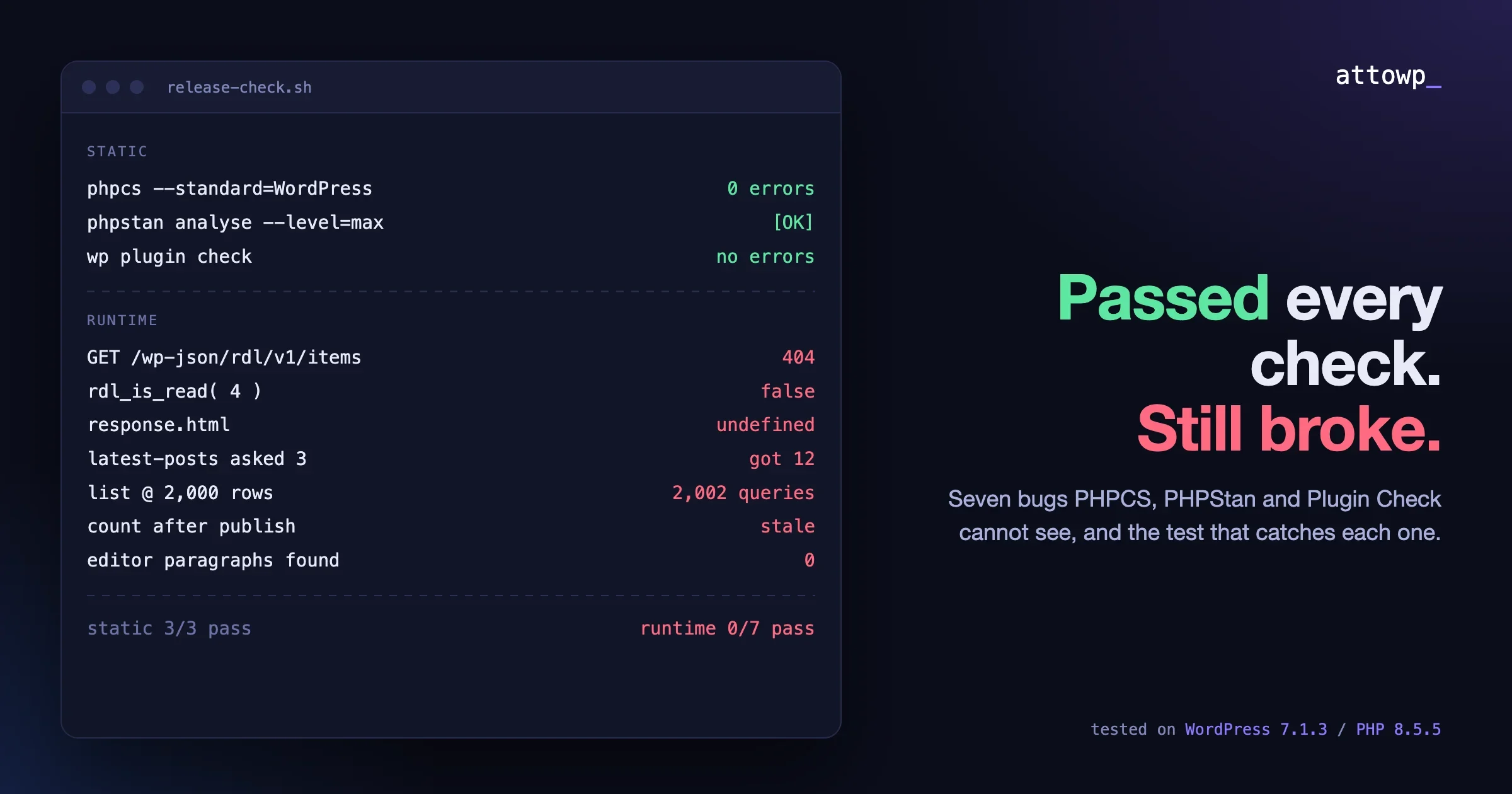
WordPress Coding Standards and PHPStan at level 5+ catch a meaningful class of AI-generated bugs: type coercions that look correct in PHP 7 but behave differently in PHP 8, missing null checks, undefined method calls on nullable objects. They will not catch the bloat problem, the plausibility gap, or the silent failure issue. Treat them as the floor. A pass from WPCS/PHPStan means the commit is eligible for review, not that review is unnecessary.
If you are not running WPCS and PHPStan in CI on every push, fix that first. Those tools exist precisely to catch the class of error that looks reasonable on visual inspection. Running them locally but not in CI means they only catch bugs when a developer remembers to run them, which is not a systematic gate. The workflow for wiring this up in GitHub Actions is straightforward enough that there is no excuse not to have it.
Diff-size discipline
The rsync thread identified commit size as a confounding variable. The same insight has a practical application: enforce a soft cap on AI-assisted commit size. If Claude generates a 300-line patch for a feature that the human developer expected to be 80 lines, that is a signal to stop and interrogate the diff before merging. The question is not whether the code is technically correct. The question is whether those 300 lines are all necessary, whether any of them replicate existing functionality, and whether the feature could be delivered in 80 lines with the right context provided to the model upfront.
Many teams using AI tooling report that the code quality improves significantly when developers spend time on the prompt rather than on reviewing the output. Providing Claude with the existing helper function you want it to call, the specific capability check that applies, and the WordPress version constraints removes the plausibility-gap failures before they are generated. Front-loaded context is cheaper than back-loaded review.
Adversarial review of AI commits
Standard code review asks: is this code correct? Adversarial review of AI commits asks a different question: where is this code most likely to be wrong given what I know about AI failure patterns? That means specifically checking:
- Does this touch nonce verification, capability checks, or sanitization? Review those lines with the assumption that they may be subtly wrong.
- Does this add a new utility function that may already exist elsewhere in the codebase?
- Does the error handling propagate failures correctly, or does it swallow them?
- Are the WordPress API calls using the current stable version signatures, or deprecated patterns?
- Are there edge cases involving multisite, user roles, or concurrent requests that the implementation does not address?
This adversarial checklist does not need to be applied to every line of a commit. It should be applied to the lines the AI generated, especially those that touch security-sensitive paths.
Tests before trust
The strongest mitigation for AI code quality concerns is test coverage that precedes AI contributions. If a feature has unit tests covering its happy path and its primary failure modes before you ask Claude to add to it, the AI-generated code must pass those tests before it merges. This inverts the risk: instead of reviewing AI output and hoping to catch bugs, you define the contract first and the AI fills in the implementation.
In practice, this means writing test stubs and assertions before generating implementation code. It means asking Claude to generate tests as part of the same prompt. It means treating any AI-generated code that lacks test coverage as a draft, not a candidate for merge. The extra friction is real. The reduction in production incidents justifies it.
When AI Assistance Demonstrably Helps vs Hurts
The rsync debate was not settled cleanly, and it should not have been. The honest answer is that AI coding assistance has a profile: it helps in specific contexts and introduces risk in others. Being clear-eyed about that profile is more useful than either the skeptic position (AI code is dangerous) or the booster position (AI makes you twice as fast).
Where AI consistently helps
- Boilerplate scaffolding. Registering a custom post type, building a settings page with the Settings API, generating a REST endpoint skeleton. The patterns are well-represented in training data. The output is reliable and saves significant time.
- Refactoring well-tested code. When a function has tests, asking Claude to refactor it with the tests as the acceptance criterion produces reliable results. The tests act as a specification the model can check against.
- Writing documentation and inline comments. AI-generated docblocks and README sections are consistently good and represent zero defect risk.
- Generating test cases for known-good code. Given a function that already works, Claude generates edge-case test scenarios that developers would not have thought of, expanding coverage at low risk.
- First-pass CSS and front-end layout. For plugin admin screens and simple front-end templates, AI-generated CSS is reliable and faster than writing it by hand.
Where AI introduces disproportionate risk
- Security-sensitive paths. Input sanitization, capability checks, nonce verification, SQL preparation. AI gets these right most of the time but wrong in non-obvious ways occasionally. That occasional wrong instance in a security path is unacceptably costly.
- Integration points between subsystems. The nonce-plus-multisite-plus-REST example above. Any time two or more WordPress subsystems interact, the training data for that specific combination is thinner and the plausibility gap widens.
- Performance-critical code. AI-generated database queries work correctly but often miss index usage, join optimization, or the specific caching layer that an established codebase uses. The queries are correct. They are slow at scale.
- Codebase-specific conventions. Every mature plugin has conventions: how errors are logged, how settings are stored, what utility functions exist. The AI does not know those conventions without explicit context. Without that context, it generates valid code that violates every convention in the codebase.
A Practical Policy a Small Plugin Team Can Adopt This Week
You do not need a six-month process overhaul to improve AI code quality on your team. The changes below can be implemented in a single sprint and address the primary failure modes identified in the rsync analysis and the broader community debate.
Step 1: Label AI-assisted commits in your diff workflow
Add a convention: commits with significant AI-generated content get a tag in the commit message or a label in your PR workflow. This is not about blame. It is about triaging review effort. When a reviewer sees an AI-label on a PR, they apply the adversarial checklist. When they do not see the label, they apply standard review. This costs one extra second per commit and ensures your review effort is allocated correctly.
Step 2: Add PHPStan level 5 to CI if it is not there already
Level 5 catches the type-safety issues that AI-generated PHP most commonly introduces. Running it locally is not enough because it relies on developers remembering to run it. Wiring it into your CI pipeline means every PR is checked automatically before review begins. The false positive rate at level 5 is low enough that it does not create noise. Levels 6 and above introduce enough noise for a mature codebase that the benefit diminishes.
Step 3: Build a codebase context document for your AI tool
Write a one-page document covering: the helper functions that exist and their signatures, the error handling convention your plugin uses, the caching layer and how to use it, the capability checks that apply to each feature area, and the WordPress version your plugin targets. Include this document in every AI prompt for non-trivial work. The time saved on review far exceeds the time spent writing and maintaining it.
Step 4: Enforce a 150-line soft cap on AI-generated diffs
If an AI-generated PR exceeds 150 lines of new code, require a brief written explanation of why those lines are all necessary and why none of them replicates existing functionality. Most of the time, this step reveals that the patch can be simplified with better context in the original prompt. The cap is not a hard rule. It is a forcing function for reflection before merge.
Step 5: Add edge-case tests to every AI-generated feature before close
Before a PR with significant AI-generated code is merged, require at least one test that covers a non-obvious edge case: the multisite path, the logged-out user path, the empty-input path, the concurrent-request path. Ask Claude to generate those tests explicitly. Reviewing the test cases is often faster than reviewing the implementation and reveals gaps the implementation review missed.
The Honest Takeaway
The rsync analysis did not settle the question of whether AI coding assistance increases defect rates. It raised it in a specific, empirically grounded way and produced a debate with legitimate points on both sides. The methodological critiques are real. So is the pattern of failures that the skeptics described.
For a WordPress plugin team, the practical conclusion is not that AI tooling should be avoided. The productivity gains in scaffolding, documentation, and test generation are genuine. The conclusion is that AI output requires a different review posture than human output: adversarial on security paths, explicit about codebase conventions, disciplined about commit size, and backed by test coverage before merge.
The developers who will be burned by AI code quality issues are not the ones who distrust AI output. They are the ones who treat AI-generated code with the same review intensity as human output that comes from a trusted team member. The code looks the same. The failure signature is different. Adjusting for that difference is a process change, not a tool change, and it is available to every team today.
If you want to see how AI coding tools compare in practice for WordPress work, the analysis in Claude Code vs Cursor vs GitHub Copilot for WordPress developers covers WPCS adherence and plugin scaffolding in detail. For the workflow that catches most AI quality issues before they reach production, the AI code review workflow for WordPress plugins outlines the audit process step by step. If you want the productivity data on where AI assistance actually saves time on real builds, the 30 WordPress builds time-tracked with AI post covers phase-level measurement. And for the CI/CD infrastructure that makes systematic quality gates feasible on a small team, WordPress CI/CD with GitHub Actions covers the full pipeline setup.
Frequently Asked Questions
Did the rsync analysis prove that Claude increases bugs?
No. The analysis showed a correlation between increased Claude usage in rsync commits and a higher defect rate per commit in that period. Critics identified multiple confounders: higher commit velocity, inconsistent review standards for AI patches, and attribution complexity. The evidence is suggestive but not conclusive, and the specific context of a C utility differs significantly from PHP plugin development.
Should WordPress plugin developers stop using AI coding tools?
No. The productivity gains on scaffolding, documentation, and boilerplate are well-documented and significant. The right response to AI code quality concerns is a differentiated review process that applies adversarial scrutiny to security-sensitive AI-generated code while accepting faster review for low-risk AI contributions.
What is the single most effective quality gate for AI-generated WordPress code?
Test coverage that precedes AI contribution. Writing test stubs before generating implementation code means the AI output must satisfy a defined contract rather than requiring reviewers to catch violations after the fact. This single practice addresses the plausibility-gap problem more effectively than any amount of post-generation review.
How does commit velocity affect defect rate measurements?
Higher commit velocity means more total commits in a given period. If the underlying bugs-per-line rate stays constant but commit count doubles, the raw defect count doubles even though code quality has not changed. Defect rate per commit is sensitive to this: if AI tooling enables developers to commit more frequently, the denominator grows and any stable numerator produces a lower per-commit rate. The rsync critics argued that velocity was not adequately controlled for in the analysis.
What are the highest-risk areas for AI-generated bugs in WordPress plugins?
Security-sensitive paths (nonce verification, capability checks, SQL preparation), integration points between multiple WordPress subsystems, and error handling in payment or access control flows. AI models produce the most reliable output on isolated, well-documented APIs and the least reliable output on combinations of subsystems where training data is sparse.

No comments yet