The Model Context Protocol (MCP) is the missing piece that makes AI assistants genuinely useful for real work. Without MCP, AI language models are isolated - they can generate text but cannot read files, call APIs, query databases, or take actions in external systems. MCP changes that by defining a standard way for AI agents to connect to external tools and data sources.
This article explains what MCP is, how the client-server architecture works, the difference between stdio and SSE transport, how to build an MCP server, and the specific use cases where WordPress developers are using MCP today.
What Is MCP?
MCP (Model Context Protocol) is an open protocol developed by Anthropic and released publicly in November 2024. It defines a standard interface for communication between AI models (clients) and external tools and data sources (servers). Think of it as USB for AI - a standard connector that lets any AI model work with any tool that implements the protocol.
Before MCP, every AI integration was custom. If you wanted Claude to read your database, you built a custom integration. If you wanted it to call your API, you built another custom integration. Each integration was one-off, hard to maintain, and tied to a specific AI provider. MCP replaces this with a single standard that works across AI providers.
MCP is to AI agents what the USB standard was to hardware peripherals - a common interface that eliminates the need for custom point-to-point connections between every tool and every model.
MCP Architecture: Clients, Servers, and Hosts
MCP has three actors:
- Host: The application the user interacts with directly. Claude Desktop is a host. So is Cursor, the VS Code AI extension, or any application built on an AI SDK. The host manages connections to MCP servers.
- Client: The component inside the host that maintains a connection to a single MCP server. One client per server. The client handles protocol communication - sending requests, receiving responses.
- Server: An external process that exposes tools, resources, and prompts to the AI via the MCP protocol. A server can expose a filesystem, a database, a REST API, or any other capability. MCP servers run as separate processes from the host application.
The separation of concerns is intentional. The AI model (inside the host) does not directly call external APIs. It asks the MCP client to execute a tool via the MCP server. The server does the actual work and returns results. This keeps AI models sandboxed from direct system access while still enabling real capabilities.
MCP Primitives: Tools, Resources, and Prompts
MCP servers expose three types of capabilities:
Tools
Tools are callable functions. The AI model can invoke a tool to perform an action - reading a file, querying a database, making an API call, running a shell command. Each tool has a name, description, and JSON Schema defining its input parameters. The AI decides when to call a tool based on what the user asked and the tool’s description.
Example tool definitions from a WordPress MCP server:
Resources
Resources are data sources the AI can read. Unlike tools (which perform actions), resources expose data for the model to consume. A resource could be a file, a database record, a web page, or a stream of events. Resources are identified by URIs (e.g., file:///home/user/document.txt or db://myapp/users/42).
Prompts
Prompts are reusable prompt templates that MCP servers can expose. Users can select a prompt from the host’s UI to trigger specific AI workflows. A WordPress MCP server might expose prompts like “Review this plugin for security issues” or “Write a blog post about [topic]”.
Transport: stdio vs SSE
MCP servers communicate with clients over a transport layer. There are two transports defined in the MCP specification:
stdio (Standard Input/Output)
The simplest transport. The MCP client spawns the server as a child process and communicates via stdin/stdout. Messages are JSON-RPC formatted, sent as newline-delimited JSON. This is the default for local MCP servers - the server runs on the same machine as the host application.
stdio is the right choice when:
- The MCP server runs locally on the user’s machine
- Direct filesystem or database access is required
- No network communication is needed
- Security requires keeping data on-device
SSE (Server-Sent Events)
SSE transport enables remote MCP servers accessible over HTTP. The client connects to a server URL and receives messages via the Server-Sent Events protocol. The client sends messages back via HTTP POST to a separate endpoint. This transport is used when:
- The MCP server is hosted remotely (cloud API, SaaS product)
- Multiple clients need to connect to the same server
- The server needs to push updates without being explicitly polled
- Integration with web services is the primary use case
Anthropic is developing a new “Streamable HTTP” transport that replaces SSE for remote servers, combining the simplicity of SSE with better support for bidirectional communication. This transport is expected to become the standard for remote MCP servers in 2025-2026.
Building an MCP Server: The Basic Structure
MCP servers can be built in any language that has a JSON-RPC implementation. Official SDKs exist for TypeScript/JavaScript and Python. Community SDKs cover Go, Rust, PHP, and others.
A minimal MCP server in TypeScript with the official SDK:
This server exposes one tool that fetches the current WordPress site status from a REST API. When Claude (or any MCP client) calls get_wp_status with a site URL, the server makes the API request and returns the result to the AI model.
WordPress MCP Use Cases
WordPress developers are finding practical applications for MCP in their daily workflows. These use cases demonstrate what becomes possible when AI agents have structured access to WordPress systems:
Content Publishing Automation
An MCP server connected to the WordPress REST API lets an AI agent create posts, assign categories and tags, set featured images, update meta fields, and publish - all from a natural language instruction. The agent handles the multi-step workflow (create draft, upload image, set SEO meta, schedule publish) via sequential tool calls.
Plugin Development Assistant
An MCP server that exposes filesystem tools, WordPress documentation, and a running local WordPress instance lets an AI coding assistant write plugin code, activate it, test it, read error logs, and iterate - all within a single conversation. The agent can call wp_activate_plugin, read the PHP error log, identify the failure, fix the code, and re-test without human intervention between steps.
Database Query Interface
An MCP server that wraps WordPress database queries gives an AI agent the ability to answer questions about site data without direct database access. “Show me all posts published in the last 30 days with fewer than 500 words” becomes an MCP tool call that runs the query and returns the formatted result.
SEO and Content Audit
An MCP server that connects to Google Search Console, the WordPress content index, and SEO meta data lets an AI agent analyze which pages need updating, which keywords are underperforming, and generate a prioritized action list - without the user needing to manually export data from three different tools and paste it into a chat window.
Automated Testing
An MCP server exposing WP-CLI commands lets an AI agent run PHPUnit tests, check coding standards with PHPCS, activate/deactivate plugins to test for conflicts, and read test output. The agent can iterate on test failures without waiting for human intervention.
MCP Security Model
MCP servers have significant access to the systems they integrate with. Understanding the security model is important before deploying MCP in any production context:
- Principle of least privilege: MCP servers should expose only the capabilities the AI agent needs. A server for managing blog content does not need filesystem access or database write privileges beyond the WordPress tables it manages.
- Input validation: Validate all inputs to MCP tool handlers. The AI model constructs tool call parameters based on user requests - a malicious user could craft requests designed to exploit poorly validated inputs.
- Audit logging: Log all tool calls, parameters, and results. MCP agents can take consequential actions - publishing posts, deleting content, making API calls. You need a record of what was called and when.
- Authentication: For SSE transport servers, implement proper authentication. OAuth 2.1 is the recommended authentication mechanism for remote MCP servers per the current draft specification.
- Sandbox dangerous capabilities: Code execution and shell command tools are high-risk. Run them in sandboxed environments (Docker containers, restricted user accounts) and require explicit user approval per the MCP specification’s user consent requirements.
MCP vs Alternatives: When to Use Each
Approach | Best For | Limitations |
|---|---|---|
MCP | Structured tool access for AI agents, multi-step workflows, IDE integrations | Requires MCP-compatible AI client |
Function calling (OpenAI) | Single-model tool use, existing OpenAI integrations | Vendor-specific, no cross-model standard |
LangChain / LlamaIndex agents | Complex multi-agent pipelines, retrieval-augmented generation | Heavier framework, more complex to maintain |
Direct REST API calls | Simple one-off integrations without agent behavior | No AI agent reasoning, manual workflow only |
Custom AI SDK integration | Full control over integration behavior | Not reusable across models or clients |
Getting Started with MCP
- Install Claude Desktop - the simplest MCP-compatible host for local development
- Add a pre-built MCP server - start with the official filesystem or fetch servers from the MCP GitHub repository to understand how configuration works
- Configure in claude_desktop_config.json - add server definitions with the server command, arguments, and any required environment variables
- Test tool calls - ask Claude to use the tool and verify it works correctly
- Build your own server - use the TypeScript or Python SDK to create a server tailored to your specific WordPress use case
The MCP GitHub repository (github.com/modelcontextprotocol) contains the specification, official SDKs, reference implementations, and a growing list of community-built servers covering databases, APIs, and developer tools.
How AI Agents Use MCP in Practice: A Step-by-Step Flow
Understanding the abstract architecture is one thing. Seeing how an actual AI agent uses MCP tools in a workflow makes the value concrete. Here is a step-by-step trace of what happens when you ask an AI agent to “publish a new blog post about WordPress caching on my attowp.com site”:
- User message arrives: The AI model receives the instruction and recognizes it needs to interact with WordPress.
- Tool discovery: The host queries all connected MCP servers for available tools. The WordPress MCP server returns its tool list: post_create, post_update, category_list, suggest_tags, etc.
- Tool selection: The model decides which tools to call. It starts with category_list to see what categories exist on the site before creating content.
- Tool call 1 - category_list: MCP client sends the request to the WordPress MCP server. The server calls the WordPress REST API and returns the category list. The model reads the response and selects the appropriate category ID.
- Content generation: The model generates the post content internally (in its context window), including title, body, and excerpt.
- Tool call 2 - post_create: The model sends the post_create tool call with title, content, category ID, and status=”draft”. The MCP server creates the post via the REST API and returns the new post ID.
- Tool call 3 - suggest_tags: The model calls suggest_tags with the post ID. The server analyzes the content and returns tag suggestions. The model calls tag_create for new tags and post_update to assign them.
- Completion: The model summarizes what it did: “Created draft post ID 4821 in the CDN & Caching category with 4 tags. Ready for review.”
The entire workflow runs in a single conversation without the user manually doing any of these steps. The AI handles the decision-making (which category? which tags?) and the execution (API calls via MCP) while the user retains oversight through the readable conversation log.
MCP in the WordPress Ecosystem: Current State in 2026
As of 2026, MCP adoption in the WordPress ecosystem is accelerating. Several patterns have emerged:
Hosting Providers Adding MCP Servers
Kinsta, WP Engine, and Cloudways are building MCP servers that give AI agents access to hosting management capabilities - scaling server resources, viewing performance metrics, managing staging environments, and accessing error logs - through natural language instructions rather than control panel navigation.
WooCommerce Automation
Early WooCommerce MCP implementations allow agents to query order data, update product descriptions, respond to customer inquiries by looking up order status, and generate product descriptions from SKU data. The pattern of “give the AI agent read access to store data and write access to specific bounded operations” is proving practical for e-commerce teams.
Developer Tooling
AI coding assistants in VS Code (GitHub Copilot, Cursor, Windsurf) are adding MCP support to let developers connect their local WordPress development environments directly to the AI. The agent can read plugin code, activate/deactivate plugins, run WP-CLI commands, and view error logs without leaving the IDE.
This is the area where MCP delivers the highest developer productivity gains. Tasks that previously required switching between IDE, terminal, and browser (write code - deploy - test - read logs - fix) become a single conversation where the agent handles the deployment and testing steps.
MCP vs REST API: Complementary, Not Competing
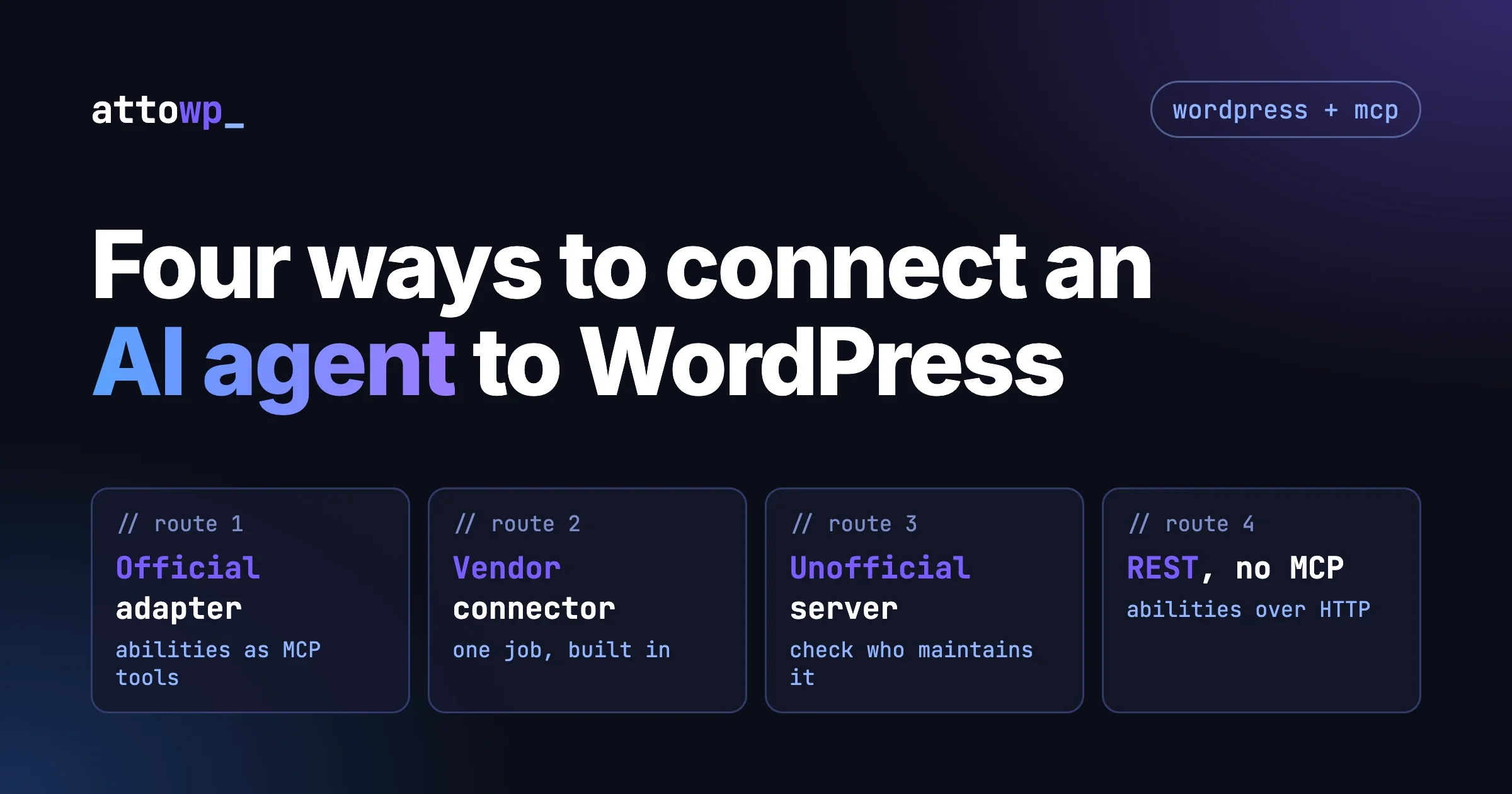
MCP does not replace REST APIs. MCP servers typically wrap REST APIs (including the WordPress REST API) and expose them as structured tools for AI agents. The REST API remains the underlying communication mechanism. MCP adds the discovery layer (the AI knows what tools are available), the type system (JSON Schema for inputs and outputs), and the agent-oriented interaction model (the AI decides when to call tools, not the developer hardcoding the calls).
REST APIs are for application-to-application communication when you know exactly what calls you need to make. MCP is for AI agents that need to reason about which operations to perform based on a user’s natural language request. Both have their place in a modern WordPress architecture.
Build AI-Powered WordPress Workflows
MCP is changing how WordPress developers work - and large context window AI models for WordPress make these workflows even more powerful. - automating publishing workflows, enabling AI-assisted development, and connecting site data to AI tools without custom integrations. For more on AI-driven development and technical debt and AI tools in WordPress development, read the guide on AI tools for WordPress developers and explore how agents can automate repetitive site management tasks.

No comments yet