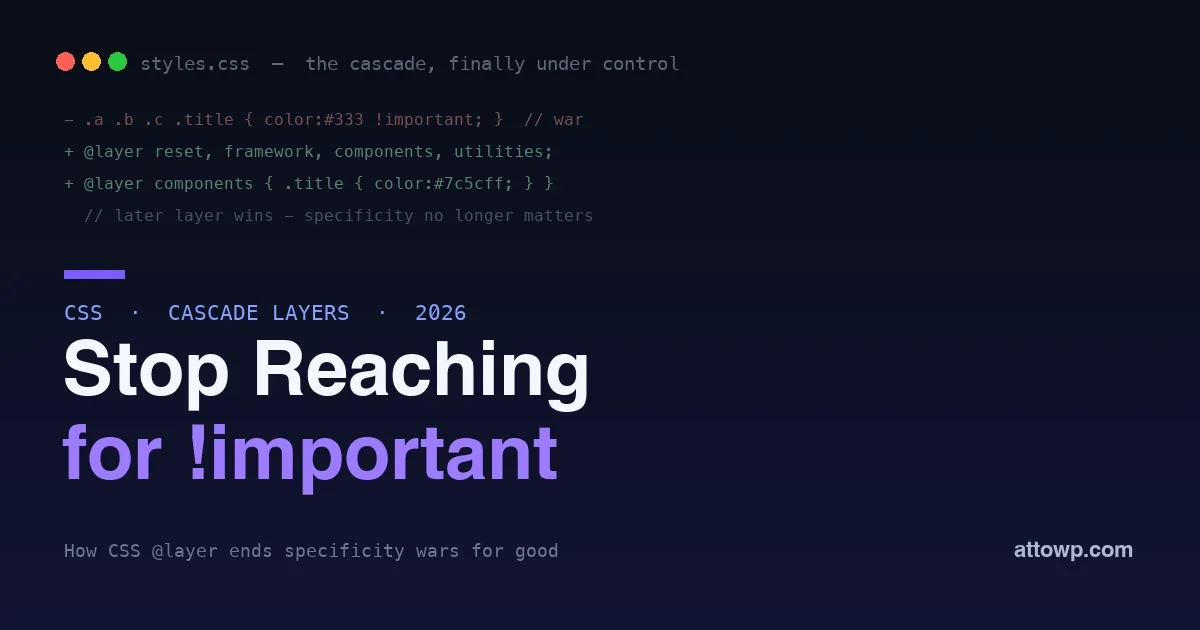
Every WordPress developer knows the moment. You write a clean CSS rule to style your component, and it does nothing, because a theme or plugin somewhere shipped a more specific selector that wins. So you add another class, or an ID, or the nuclear option: !important. It works, until the next thing needs to override yours, and now you are in an !important arms race that nobody wins. That whole miserable pattern exists because of one thing, CSS specificity, and in 2026 there is a proper, well-supported fix for it: cascade layers, the @layer rule.
This post explains what @layer actually does, why it ends specificity wars instead of escalating them, and how to use it in a real WordPress project where you do not control every stylesheet on the page. The result is CSS where your intended order wins by design, not by force.
Why specificity causes the war
The cascade decides which rule wins when two target the same element, and specificity is a big part of that decision. A selector with more IDs and classes beats one with fewer, regardless of which came later in the file. That sounds reasonable until real projects stack up: a theme, several plugins, a framework, and your own code all ship CSS, and they escalate specificity to make their styles stick. You arrive last and find that a deeply nested selector outranks your clean single class, so you escalate too. The tool everyone reaches for is !important, which jumps outside normal specificity entirely, and once two rules both use it, you are back to fighting, just at a higher and more painful level.
.plugin .card .title { color: #333; }        /* specificity 0,3,0 - wins */
.my-title            { color: #7c5cff; }      /* 0,1,0 - loses */
.my-title            { color: #7c5cff !important; }  /* the escalation */
The core problem is that specificity ties two separate ideas together: how you select an element, and how much priority that rule should have. You often want a simple selector to still win, and specificity gives you no way to say so without inflating the selector or using !important. Cascade layers untie those two ideas.
What @layer actually does
A cascade layer is a named bucket of styles with an explicit priority. You declare the order of your layers once, and then, no matter what selectors live inside them, a rule in a later layer beats a rule in an earlier layer. Specificity still decides winners within a single layer, but it no longer decides the fight between layers. Layer order does.
/* Declare the order once, up front. Later layers always win. */
@layer reset, framework, components, utilities;
That single line says: whatever ends up in utilities beats components, which beats framework, which beats reset, and it does so regardless of how specific the selectors inside each layer are. You have stated your intended priority as an explicit order instead of hoping specificity happens to land the way you want.
The rule that surprises everyone
Here is the part that flips how you think about the cascade: a high-specificity selector in an earlier layer loses to a low-specificity selector in a later layer. Specificity is subordinate to layer order.
@layer framework {
  .plugin .card .title { color: #333; }   /* high specificity... */
}
@layer components {
  .my-title { color: #7c5cff; }            /* ...but THIS wins - later layer */
}
Read that twice, because it is the whole point. The three-class selector in framework would crush the single-class selector in the normal cascade. Inside layers, it loses, because components comes after framework in the declared order. You no longer need to match or beat a plugin’s specificity. You just put your styles in a later layer, and they win with a clean, simple selector.
Unlayered styles beat everything
There is one more tier that makes layers safe to adopt gradually. Any normal rule that is not in a layer beats every layered rule, no matter how late the layer. Unlayered styles sit above all layers.
/* Unlayered - beats every @layer rule on the page. */
.my-title { color: #7c5cff; }
This is what lets you introduce layers into an existing project without rewriting everything. Wrap the third-party and framework CSS you want to tame into low-priority layers, and leave your own critical overrides unlayered so they always win. You get control immediately without a big-bang migration, which matters a lot on a real WordPress site full of code you did not write.
The old ways to win, and why layers beat them
Before cascade layers, every technique for making your CSS win had a real cost. It is worth naming them, because layers replace all of them.
| Old approach | How it wins | The cost |
|---|---|---|
| Add more classes/IDs | Higher specificity | Bloated selectors, fragile, escalates |
!important |
Jumps above specificity | Nothing can override you either; arms race |
| Extra wrapper elements | More context to select | Junk markup that exists only for CSS |
| Loading your CSS last | Source order tiebreak | Only works at equal specificity; brittle |
@layer |
Declared layer priority | None; you state intent once |
Every pre-layer approach fought specificity with more specificity or by escaping it entirely, and each left a mess: unreadable selectors, unoverridable rules, or markup that exists purely to feed the cascade. Layers are the first approach that addresses the actual need, declaring priority, without corrupting your selectors or your HTML.
Using @layer in a real WordPress project
The reason specificity wars are so common in WordPress is that you are almost never the only author on the page. The theme ships CSS, every plugin ships CSS, and you have to make your styles win without editing any of it. Layers are built for exactly this situation.
The practical move is to import or wrap the CSS you do not control into a low layer, then author your own styles in a higher one. You can pull an entire third-party stylesheet into a layer at import time, so all of it, however specific, sits below your work:
/* Wrap a whole vendor stylesheet into a low-priority layer. */
@import url("vendor.css") layer(framework);
Now every rule in that vendor file lives in framework, and anything you write in components or leave unlayered overrides it with a plain class. No more counting a plugin’s selectors, no more !important, no more adding a useless wrapper div just to gain specificity. You declared who wins, once, and the browser enforces it.
A real WordPress walkthrough
Picture a common situation. You are styling a call-to-action button inside a page built with a popular block or form plugin. The plugin ships this:
.wpforms-container .wpforms-submit-container button.wpforms-submit {
  background: #0073aa;
}
You want your brand purple. Your instinct is to match that selector, which is miserable, or reach for !important, which you will regret the moment a hover or a variant needs to override it. With layers, you sidestep the whole fight. Wrap the plugin’s stylesheet into a low layer when it loads, then style the button plainly:
@layer plugins, brand;

@layer brand {
  .wpforms-submit { background: #7c5cff; }
}
Your single-class rule in the brand layer beats the plugin’s four-part selector in the plugins layer, because brand comes later. No specificity match, no !important, no wrapper. And when you later need a hover or a disabled state, they slot into the same layer and behave normally, instead of each requiring its own !important escalation. This is the daily payoff: plugin overrides become plain, readable CSS.
Getting third-party CSS into a layer in WordPress
The one practical question is how to place CSS you did not write into a layer, since you cannot edit the plugin’s file. You have a few clean options. You can import the plugin’s stylesheet into a layer from your own CSS with a layered @import, which pulls its every rule into the layer you name. You can wrap styles you enqueue yourself in an @layer block. Or, for a stylesheet you must leave loading as it is, you can declare an empty layer early to reserve its position in the order, then let your own later layers win. The key insight is that you do not need to modify the third-party CSS at all; you only need to name a layer for it and place your own styles in a higher one. That is what makes layers realistic on a WordPress site where most of the CSS is out of your hands.
A sane layer architecture
A simple, durable order works for most projects, from lowest priority to highest:
- reset – normalize and base element styles that everything should override.
- framework – third-party and plugin CSS you want to tame, imported into this layer.
- theme – your theme’s own base styles.
- components – your reusable component styles.
- utilities – single-purpose helpers that should win, like a spacing or visibility utility.
Declare that order at the very top of your CSS, and every rule afterward slots into its bucket. The order reads like a statement of intent, because it is one. Anyone reading it knows immediately that a utility beats a component, which beats the theme, which beats the framework, without tracing selector specificity through thousands of lines.
How to adopt layers without a rewrite
You do not have to convert a whole codebase at once, which is what makes layers practical on a live site. Because unlayered styles beat all layered ones, you can introduce layers underneath your existing CSS and nothing changes until you choose to move a rule. A low-risk path looks like this: declare your layer order at the top of your main stylesheet, then push the CSS you fight with most, usually a framework or a couple of plugins, into a low layer via layered imports. Your own styles keep working unchanged because they are still unlayered and therefore still win. From there, migrate your styles into components and utilities layers gradually, one area at a time, deleting an !important with each move. Every step is reversible and nothing breaks between steps, so you get calmer CSS incrementally rather than betting a release on a big migration.
What about !important inside layers?
There is a twist worth knowing. Inside cascade layers, !important reverses the layer order: an important rule in an earlier layer beats an important rule in a later one. This sounds confusing but is deliberate, it lets a low-level reset layer force a truly non-negotiable style that higher layers cannot casually override. In practice you rarely need it, because the whole point of layers is to stop using !important. But it means the escape hatch still exists for genuine must-win cases, and it behaves predictably rather than as a free-for-all.
Layers compose with the rest of modern CSS
Cascade layers are not an isolated trick; they sit alongside the other cascade tools and combine with them. You can nest media and support queries inside a layer, so a layer can hold responsive and feature-gated styles while keeping its priority. You can combine layers with modern selectors and custom properties, which is where a token-driven design system shines: your tokens live in a base layer, your components consume them in a higher one, and overrides stay clean throughout. The mental model to keep is simple: layers decide priority between buckets, specificity decides winners inside a bucket, and unlayered styles sit on top of it all. Once that model clicks, the cascade stops being a source of surprises and becomes something you direct.
Browser support and safety
Cascade layers are supported across all current major browsers and have been for a while, so in 2026 they are safe to use in production. If you must support a genuinely ancient browser, the graceful degradation is that an unsupporting browser ignores the layer grouping and falls back to normal specificity, which is the behavior you have today. That makes adoption low-risk: modern browsers get the clean cascade, old ones get what they already got. For most WordPress projects there is no reason left to avoid them.
What is the difference between @layer and just ordering my stylesheets?
Source order only breaks ties between rules of equal specificity, so a later stylesheet still loses to an earlier high-specificity selector. Layers override that: a later layer wins regardless of the specificity inside earlier layers. Ordering stylesheets is a weak, specificity-dependent lever; layers are an explicit priority that specificity cannot beat.
Can I have layers inside layers?
Yes, layers can nest, which lets a large layer organize sub-priorities internally, for example a components layer with ordered sub-layers for base and variants. For most projects a single flat set of top-level layers is enough and easiest to read, so reach for nesting only when a layer genuinely needs its own internal order.
Frequently asked questions
Does @layer replace BEM and other naming conventions?
No, it complements them. Naming conventions like BEM keep specificity flat and predictable within your own code, which is still good practice. Layers solve a different problem: controlling priority between your code and code you do not own. Use both, flat naming inside a layer, and layers to order the whole page.
Can I use @layer with a CSS framework like Tailwind?
Yes, and it is a natural fit. You can place a framework’s styles into a layer so your own overrides win without !important, and some frameworks already organize their output into layers you can order. Declaring the layer order yourself gives you the final say over how framework and custom styles interact.
Will layers make my CSS harder for other developers to follow?
Done well, easier. A single declared layer order at the top tells any reader the priority of every rule on the page, which is far clearer than reverse-engineering specificity across files. The one discipline is to declare the order in one place and keep it there, so the order stays the single source of truth.
Do cascade layers affect performance?
No meaningfully. Layers are a cascade feature the browser resolves as part of normal style computation, not an extra runtime cost. You are not adding work; you are giving the browser a clearer priority order to apply, which if anything simplifies resolution compared to a page riddled with high-specificity selectors and !important.
How do I retrofit layers into an existing messy stylesheet?
Start without touching the existing code. Declare your layer order, wrap the third-party and legacy CSS into low layers via layered imports, and keep your own critical rules unlayered so they win immediately. Then migrate your styles into components and utilities layers over time. Because unlayered beats layered, nothing breaks during the transition.
Should new WordPress themes and plugins ship their CSS in layers?
Increasingly, yes. A plugin that wraps its styles in a clearly named layer is a good citizen, because it lets site owners override cleanly instead of fighting specificity or forking the plugin. As more of the ecosystem adopts this, the whole platform’s CSS gets easier to work with, and shipping your own styles in a predictable layer is a small courtesy with a large payoff for anyone who has to integrate with them.
The bottom line
The !important arms race is not a discipline problem; it is a missing feature, and cascade layers are that feature. By separating how you select an element from how much priority its rule has, @layer lets you declare your intended order once and have the browser enforce it, so a clean single-class selector can beat a plugin’s deeply nested one without a fight. Declare a sane layer order, wrap the CSS you do not control into low layers, keep your must-win overrides unlayered, and the specificity wars simply stop. For more on writing less CSS by leaning on the platform, see our guide to the :open pseudo-class, and for keeping a codebase ready as the platform evolves, the move to React 19. The cascade was never the enemy; we just lacked the tool to tell it what we meant.

No comments yet